Rotato 161
What's New
Let your own AI agent design your Rotato mockups
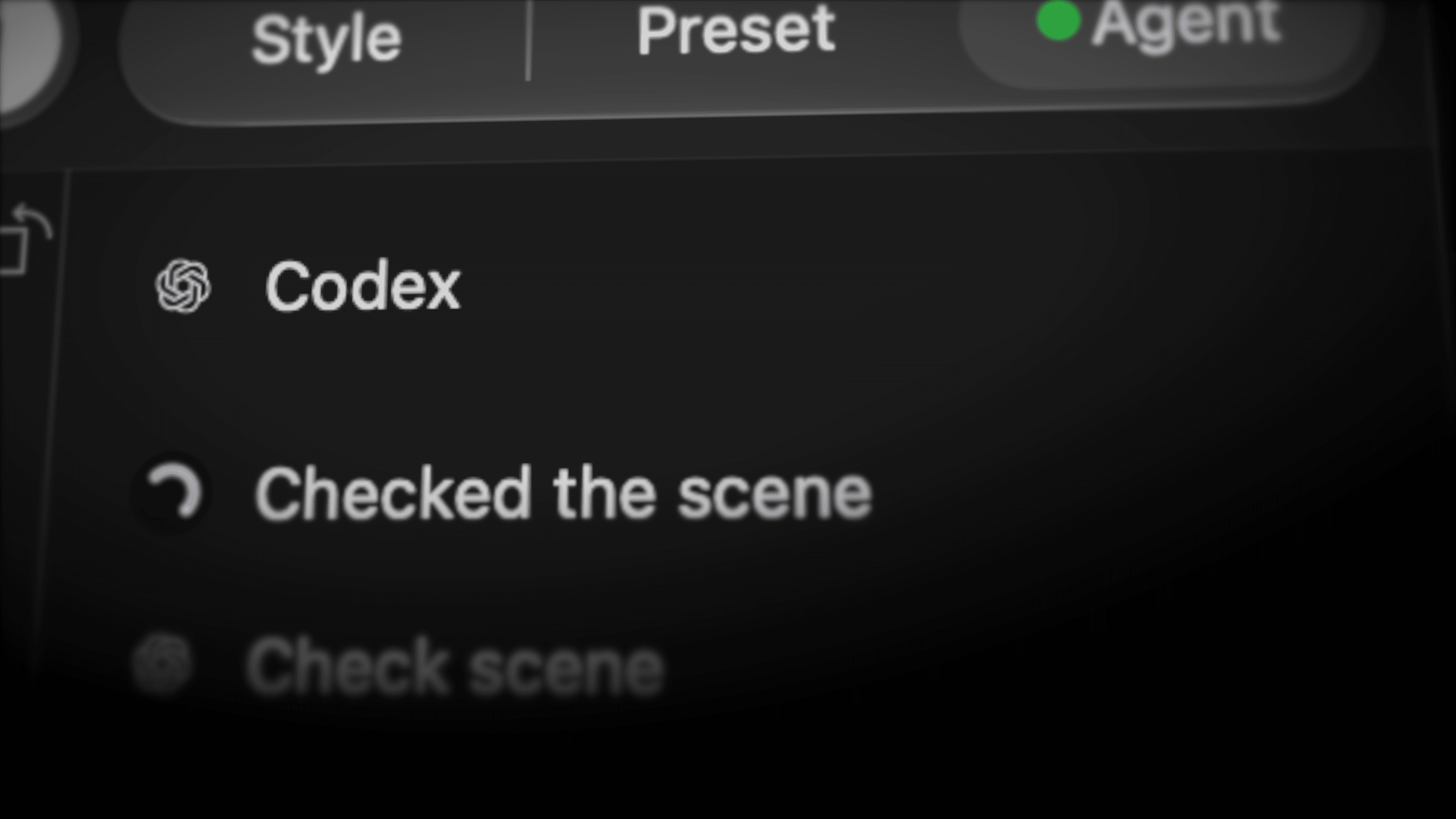
Connect your own AI subscription with the new Agent sidebar. Do nearly anything in Rotato, including previewing and exporting. Work alongside your AI agent or let it take over Rotato completely.
Speed things up with command palette
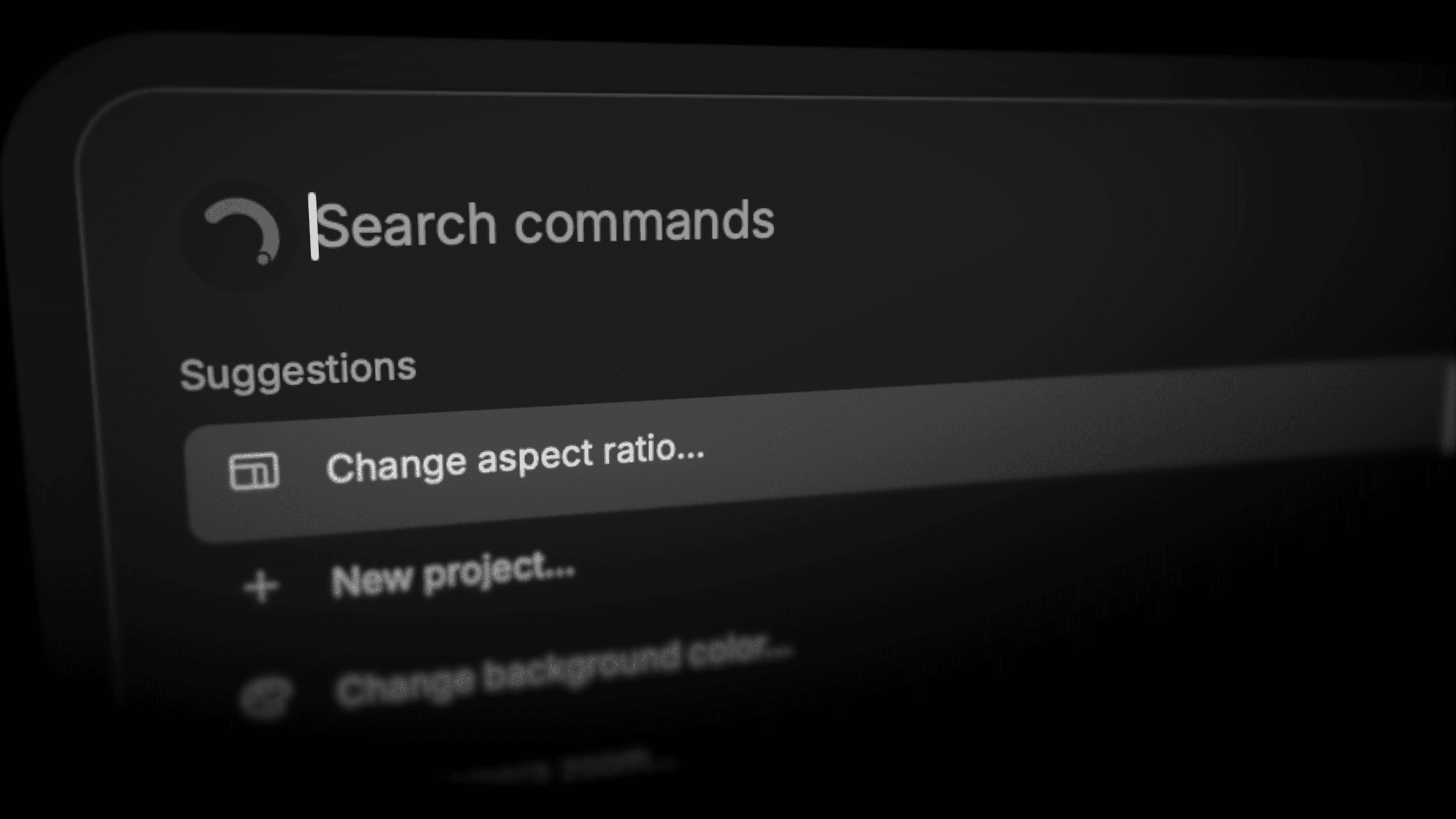
You can now do most things in Rotato with the keyboard. Press Cmd+K to get started
Clipboard mockup
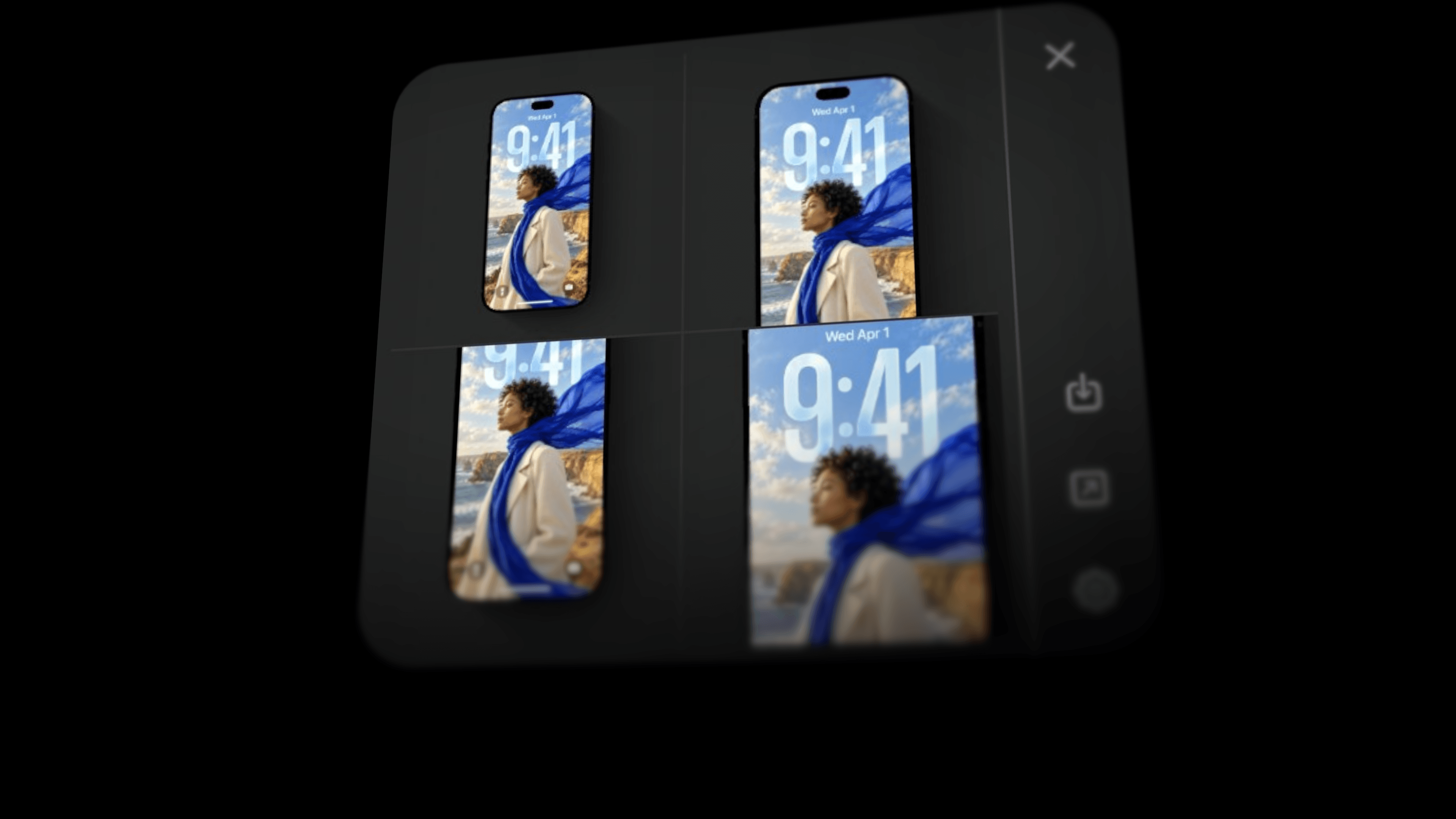
Rotato can now intelligently auto-mockup any design you copy to your pasteboard. It only uses designs that match a mockup, and it offers up 4 different angles, where number 4 is focused what Rotato thinks is the most interesting part of the design.
New scene: Safari browser
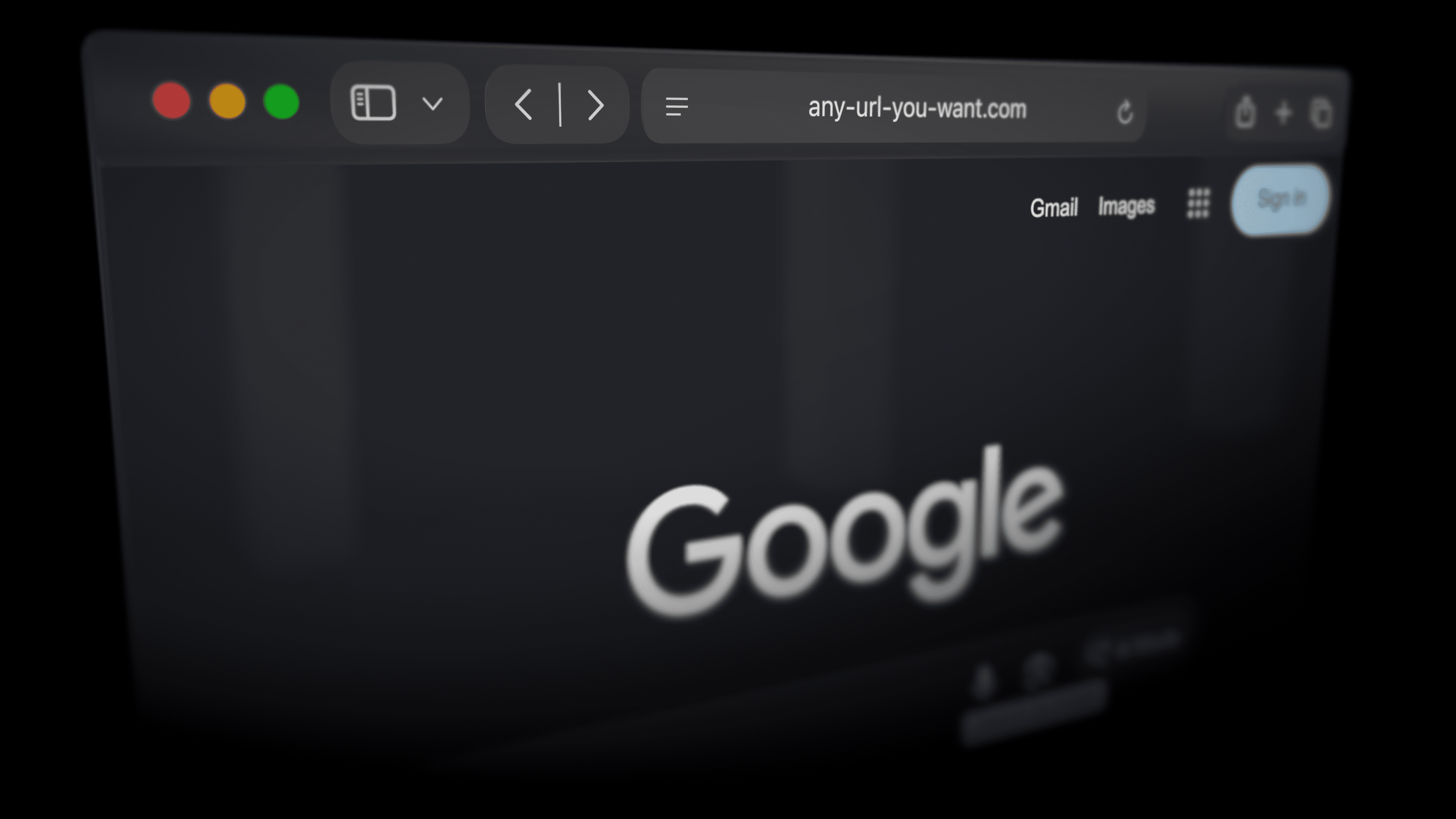
A full, hand-crafted 3D Safari mockup that adapts to your design. Light mode. Dark mode. It can also make a high resolution snapshot of a web page for you, or you can use your own images or videos.
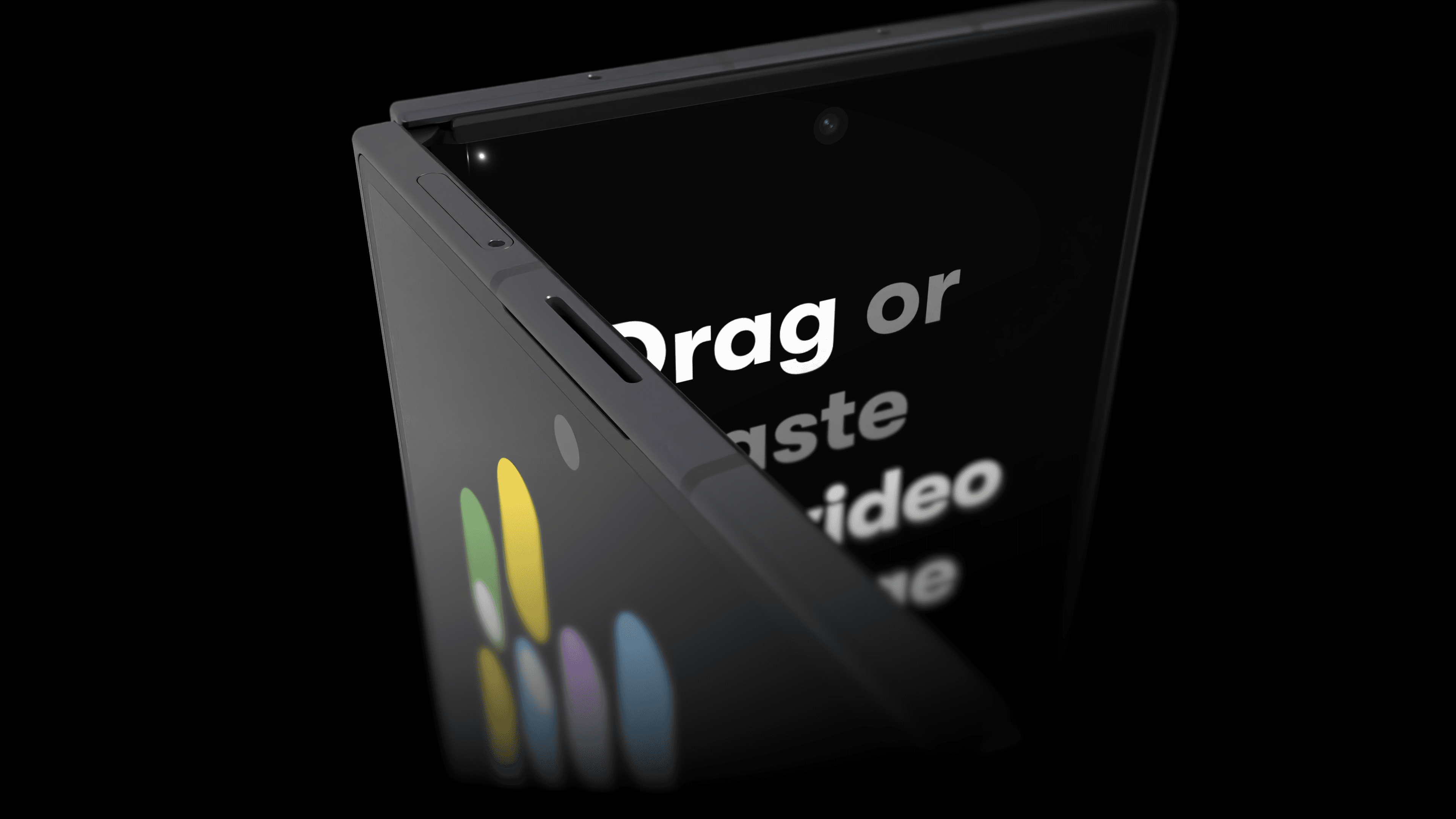
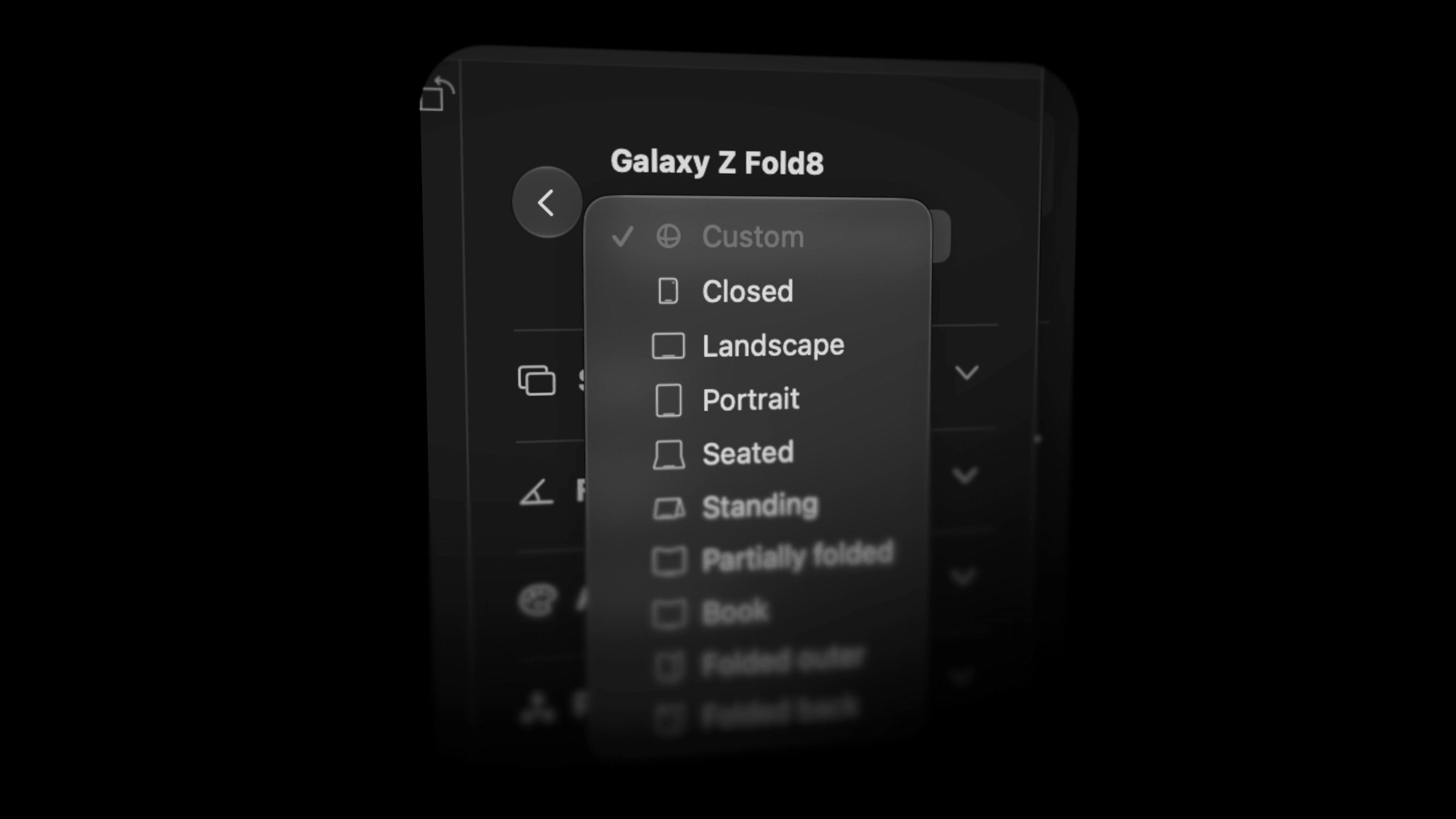
Samsung Fold8 and Fold8 Ultra
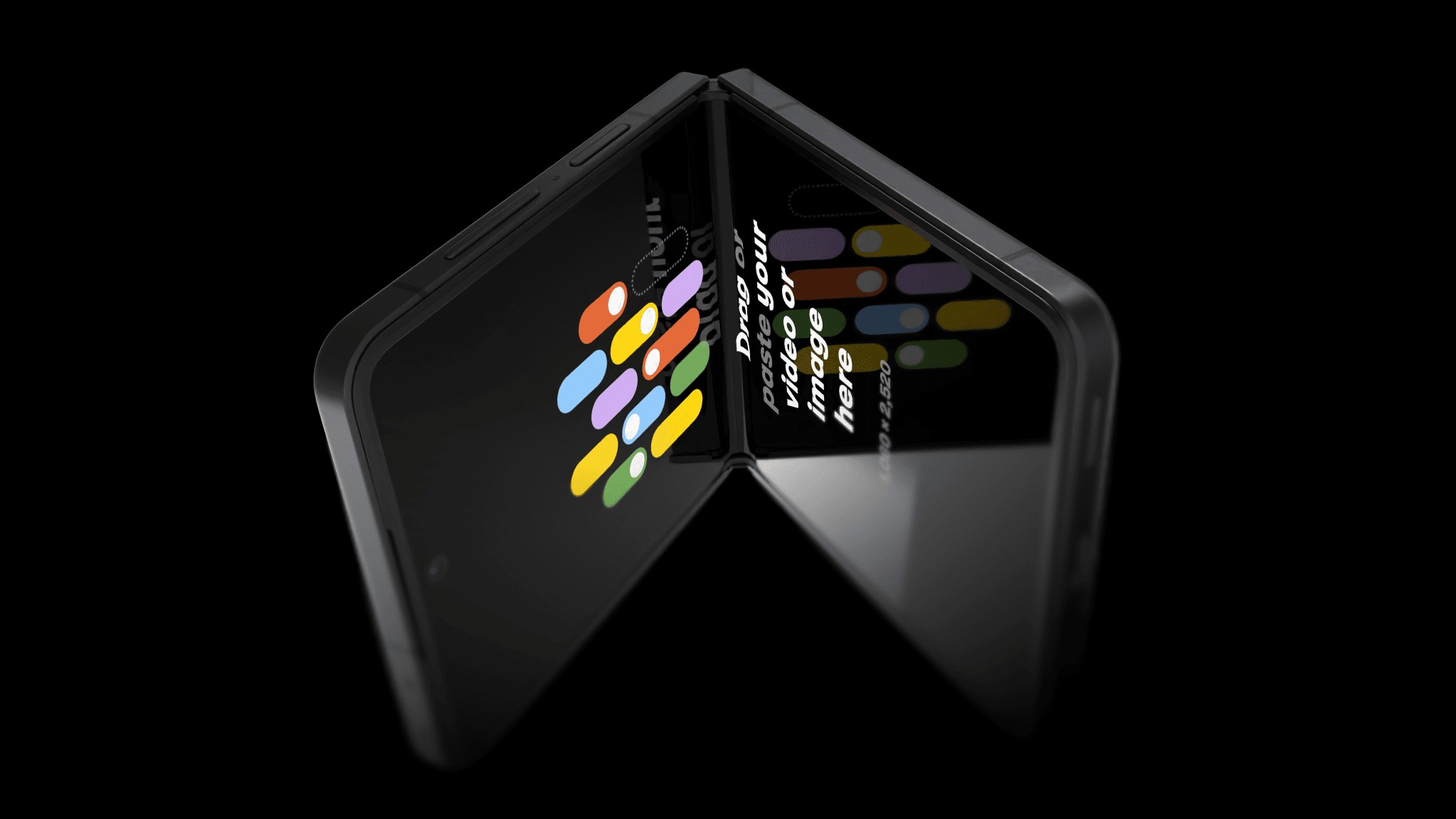
Samsung Flip8
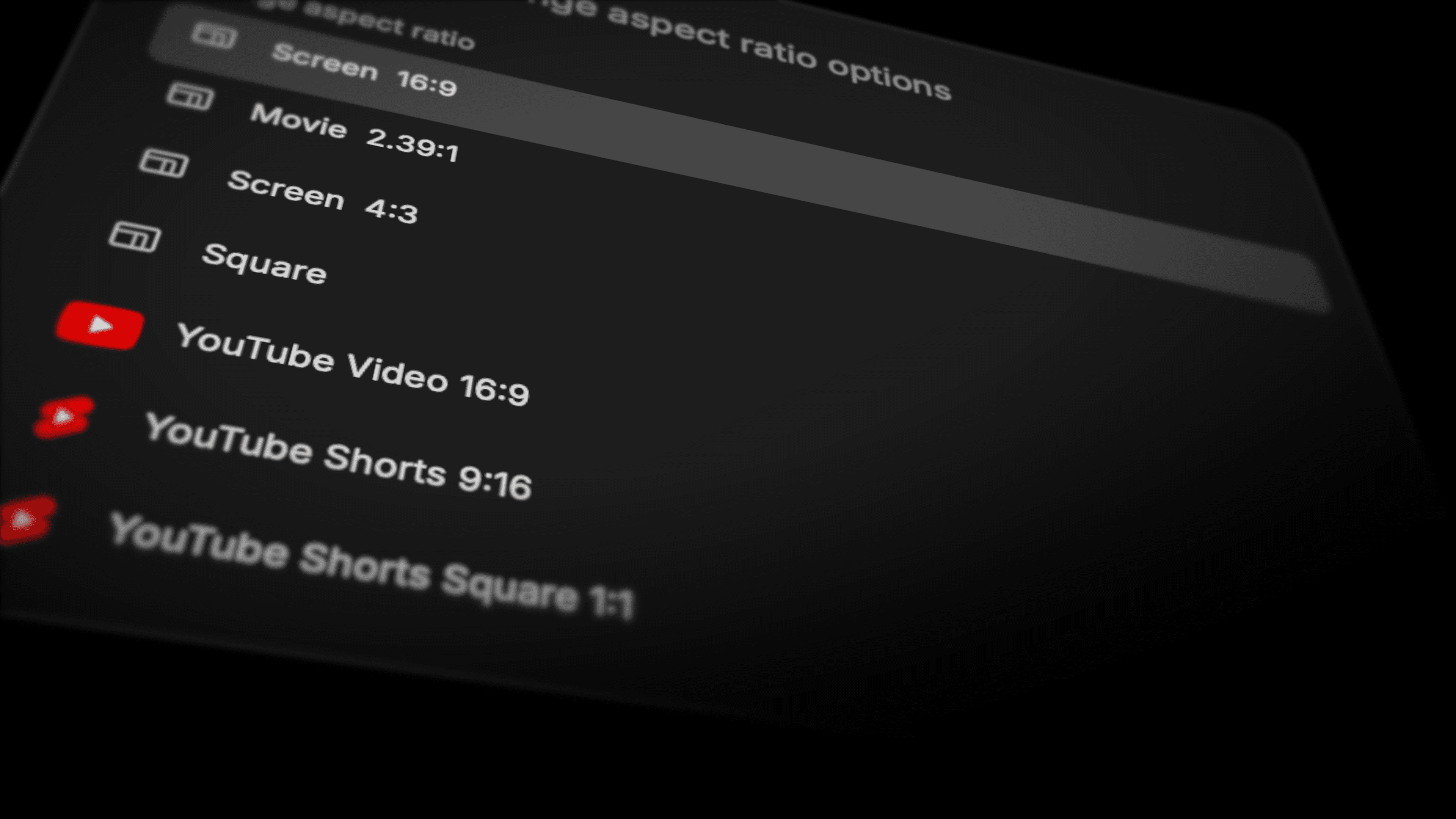
New App Store and social media sizes
Glass reveal
New effect: Glass Reveal, inspired by Apple Music, but with your own image. Turn on in Media Overlay.
Improvements
- You can now snap devices to the canvas center and thirds.
- Rotato now interprets drop or paste as "replace the screen" rather than "also show this". You can still show more than one screen media per screen by using the timeline.
- Device and hinge rotation snaps to 45-degree angles and shows the degrees as you rotate.
- The color picker now shows colors extracted from all screens on the scene.
- Change the canvas size during export and keep your movie settings.
- Click a Screen row or clip in the timeline to open its sidebar controls.
- Drag the command palette by its logo or empty space.
- Right-click a device to change its shadow.
- Cinema has a clearer button above the scene.
- You can now rotate the reflections so you can tune what reflections appear when. In the Environment sidebar.
- Housekeeping: Rotato moves your template library to Application Support and keeps the originals. New templates now stay out of your Documents folder.
Fixes
- Fixed the iPhone Duo Fold effect disappearing in Cinema mode renders
- Fixed a bug where Intel Macs would sometimes render purple or black when using video on the mockups.
- Optimizations in preview renderer
- You can now see labels while paused at the start of their fade-in.
- Fixed missing 3D labels in older projects, for users reopening legacy scenes.
- Fixed selection outlines showing through screen images, for users with affected folding devices.
- Optimized Cinema mode performance
- Improved iPhone 18s and 17, 17pro in Simple Lighting.