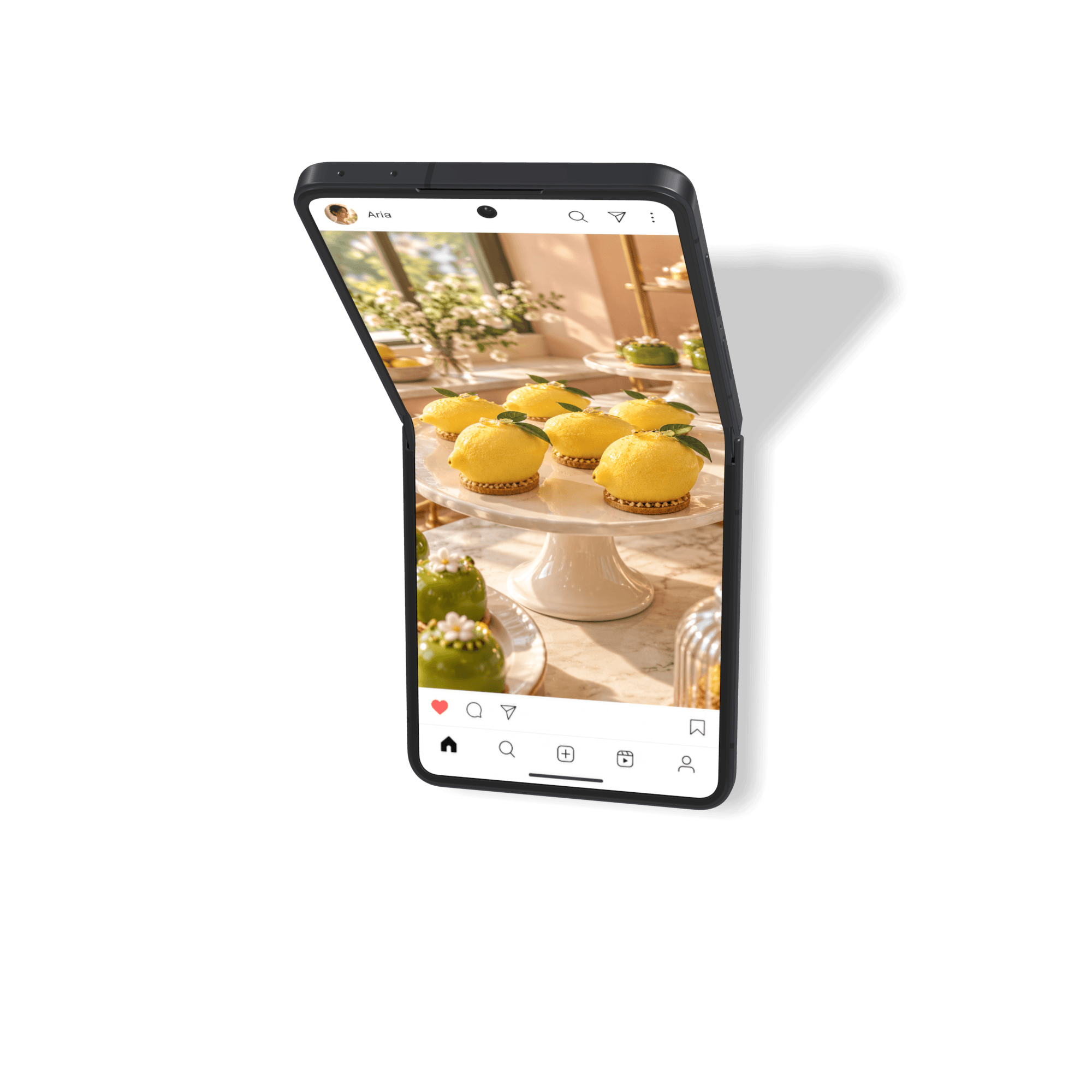
Galaxy Z Flip8 Mockup
Show your design on a compact clamshell phone. Add separate images or videos to the cover and inner displays, then adjust the hinge for closed, open, or partially folded compositions. Choose Graphite, Cream, Pink, or Mint. Requires Rotato 161 or later. Open Devices in the welcome window and search for Galaxy Z Flip8. Use the hinge controls to set or animate the opening. Device access depends on the updates included with your license. Check Settings → License if a new device shows a watermark.
How to make your Galaxy Z Flip8 Mockup
Step 1
Download Rotato and open Rotato on your Mac
Step 2
Select the Galaxy Z Flip8 mockup and drag your image or video file onto it
Step 2
Render a photo or video in seconds
100% customizable. 110% awesome.
Click any photo to view a larger size. Each of these took less than a second to render—even those with depth of field. That means more iterations and leveled-up deliverables.
When we say drag and drop, we're dead serious.
Got 65 seconds? Let's 1. import a design, 2. find an angle, 3. export a snapshot, import a landscape mockup, export that one, too, then import a video, create an animation, and render an entire movie.
Insane speed or jaw-dropping quality? Why not both?
Rotato renders millions of pixels per second, up to 10 times faster than cloud-based solutions, thanks to our direct integration with Metal Layer 2. For you, that means no cost-per-render, and faster iterations, and that means better results.