Macbook Air M2 13-inch
Apple
Apple-grade product visuals, made for designers
Your desktop product did not happen inside a rectangle floating on a slide. Give it a laptop or monitor mockup that makes the work feel real, considered, and ready for the client, design review, or launch.
Browse laptop & monitor ↓Newest: Macbook Air M2 13-inch →
18 mockups
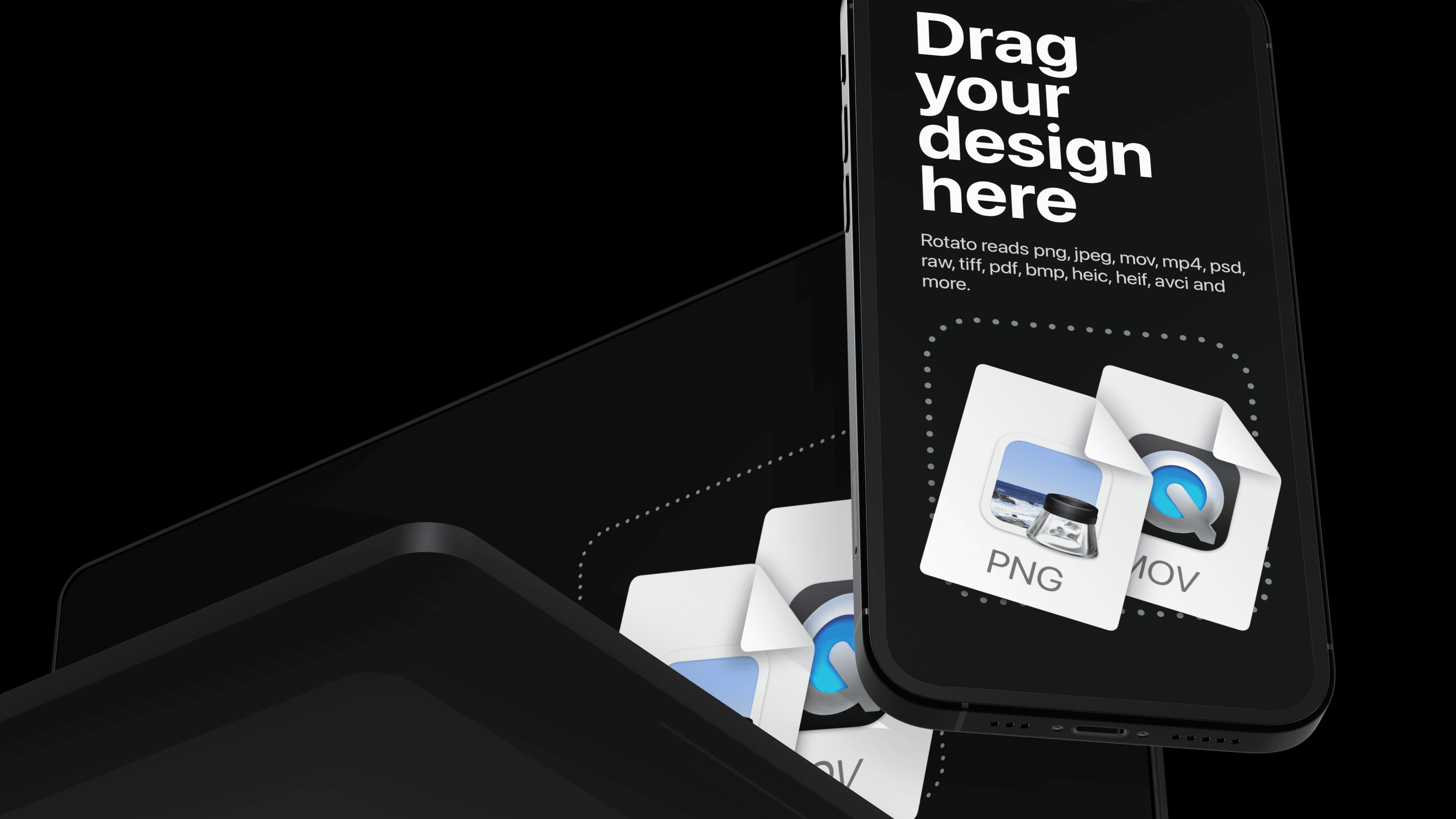
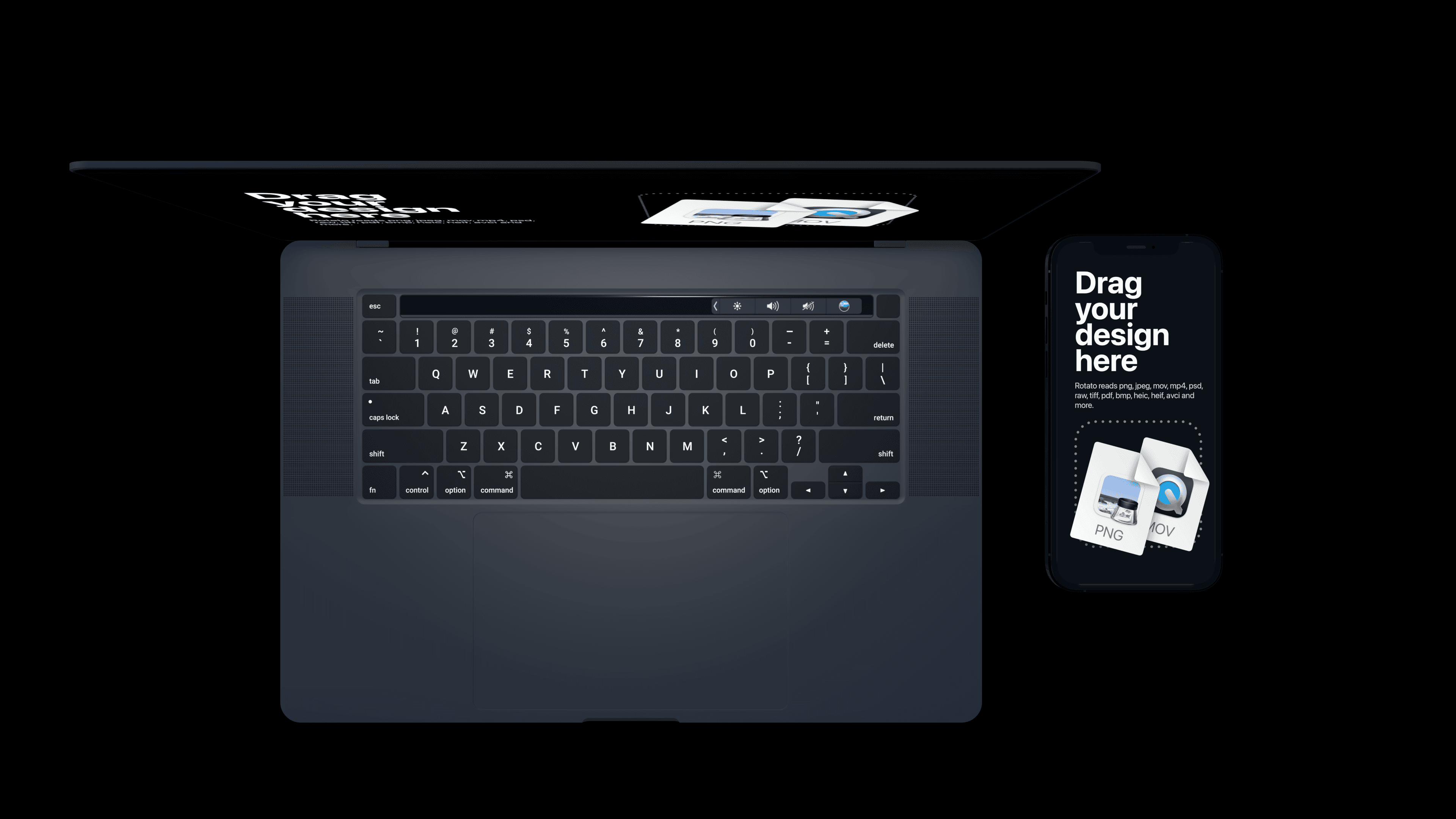
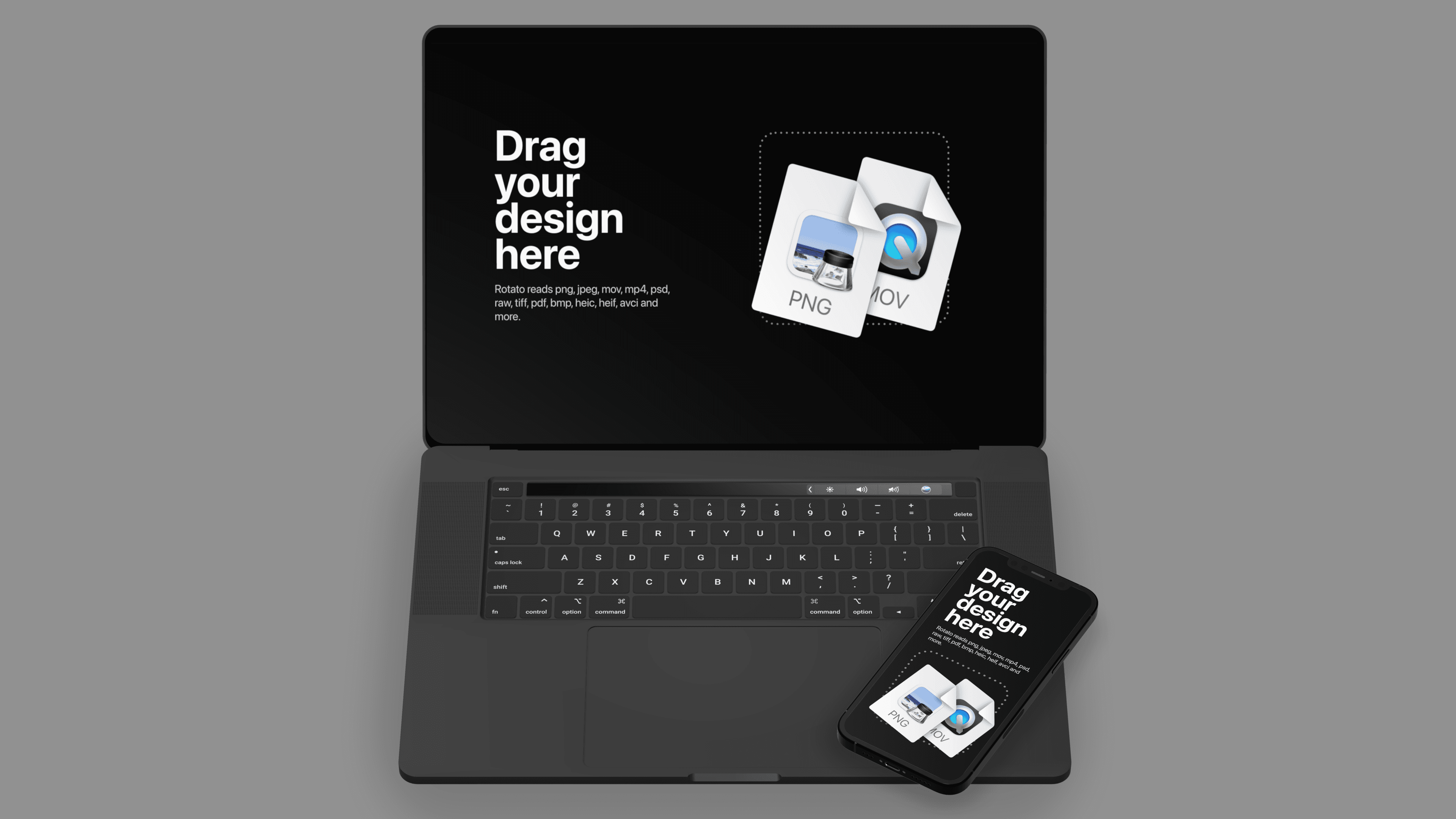
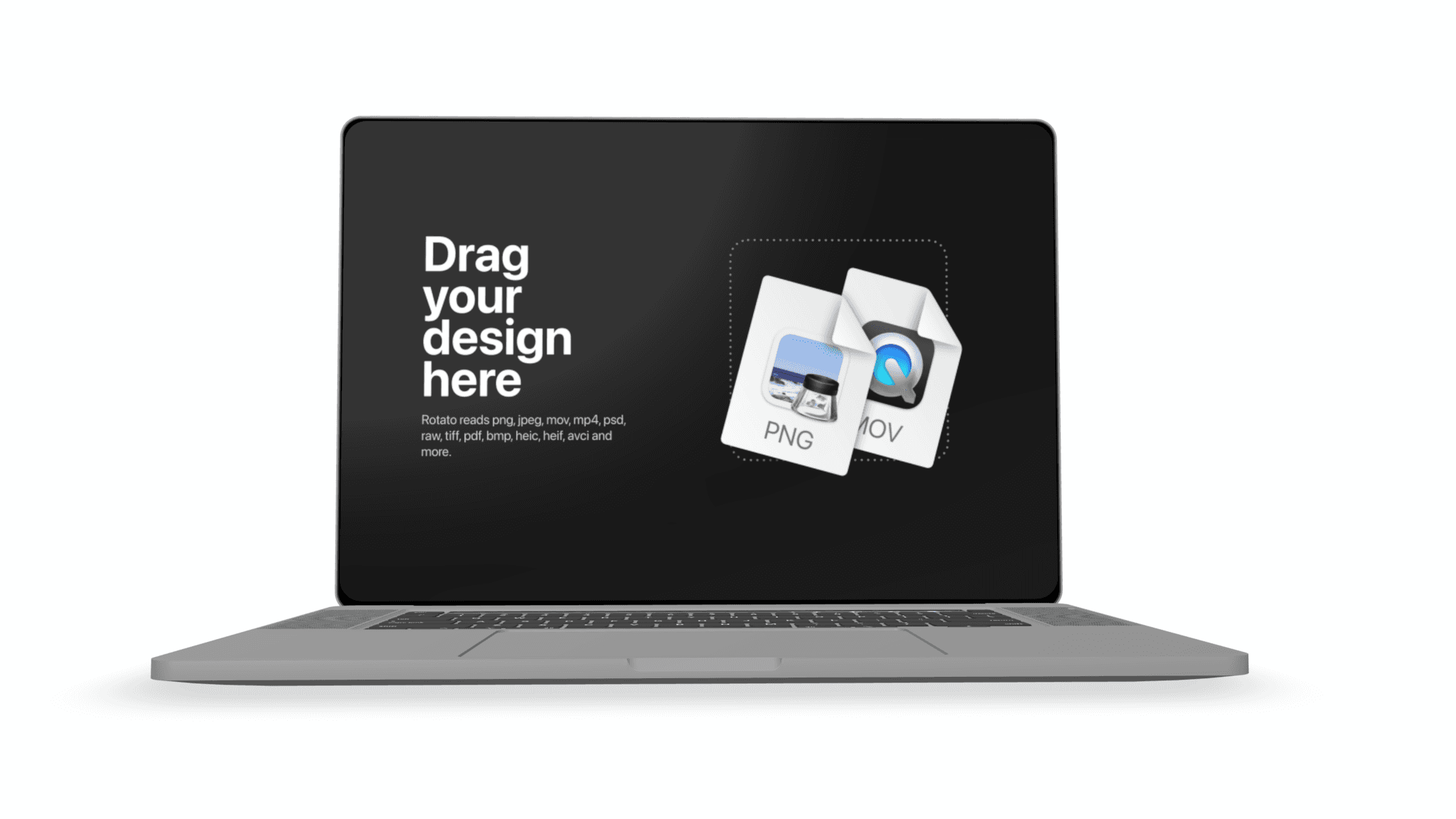
Choose the scene that makes your design feel familiar, credible, and irresistibly ready to use.
Add a screenshot or screen recording, then set the angle and color, or make it move. The 3D work is done for you.
Export a high-resolution still or animation for the launch, design review, client pitch, or social post that matters.
Rotato is a fast, native Mac app for design teams and founders who need buy-in from customers and, let’s face it, bosses. Your design presentation does not have to become a design project of its own.
Rotate a photorealistic 3D device until the perspective makes your product design feel like it already exists, not pasted into a frame.
Use a screenshot to show off the UI, or a screen recording to show motion and interaction. Rotato eats almost any file format.
Match the hardware color to your design system, or use clay mode when the interface should be the first thing to catch the eye.
Turn one scene into campaign images, product videos, presentation slides, and social posts without starting over.
A MacBook, iMac, or monitor gives websites, dashboards, and desktop software the scale people expect. Choose a laptop for a product story that travels, or a larger display when the interface should command the composition.
Laptop scenes feel personal and portable. A monitor feels more like a workstation, control room, or studio. That distinction can say as much about the product as the screen itself.
Yes. Add a browser or app recording to the screen and export an animation, or use a screenshot for a still render.
The gallery includes MacBook mockups, iMac mockups, monitor mockups, and other laptop and display templates. Search by model name to narrow the list.
Yes. Every desktop app mockup and website mockup is a 3D scene, so you can rotate the hardware and camera instead of accepting one fixed perspective.
Use a multi-device mockup when you want a ready-made composition with laptop, monitor, phone, or tablet screens in one scene.
Yes. You can think of Rotato as a very specialized Photoshop. What you create is 100% yours. Rotato mockups come without Apple, Samsung, or Google logos, so you can focus on your own brand.
Try every template and get to your first render in about 4 minutes. Unlimited trial. Exports have a watermark until you upgrade.