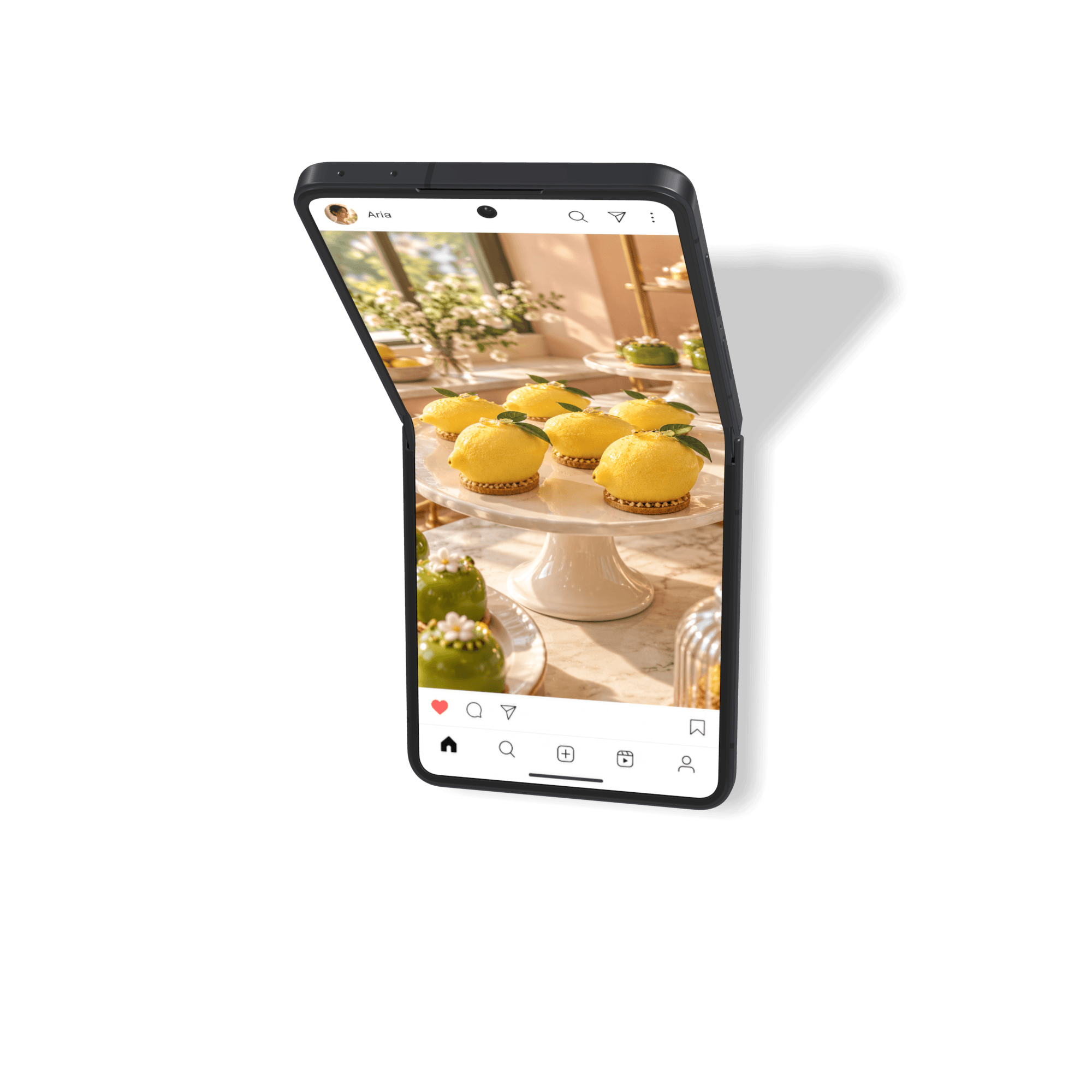
Galaxy Z Flip8
Samsung
Apple-grade product visuals, made for designers
Flat screenshots can make good work feel unfinished. These phone mockup templates put your app on a realistic 3D device, so your launch, deck, or design review feels polished before you say a word.
Browse phone ↓Newest: Galaxy Z Flip8 →
39 mockups
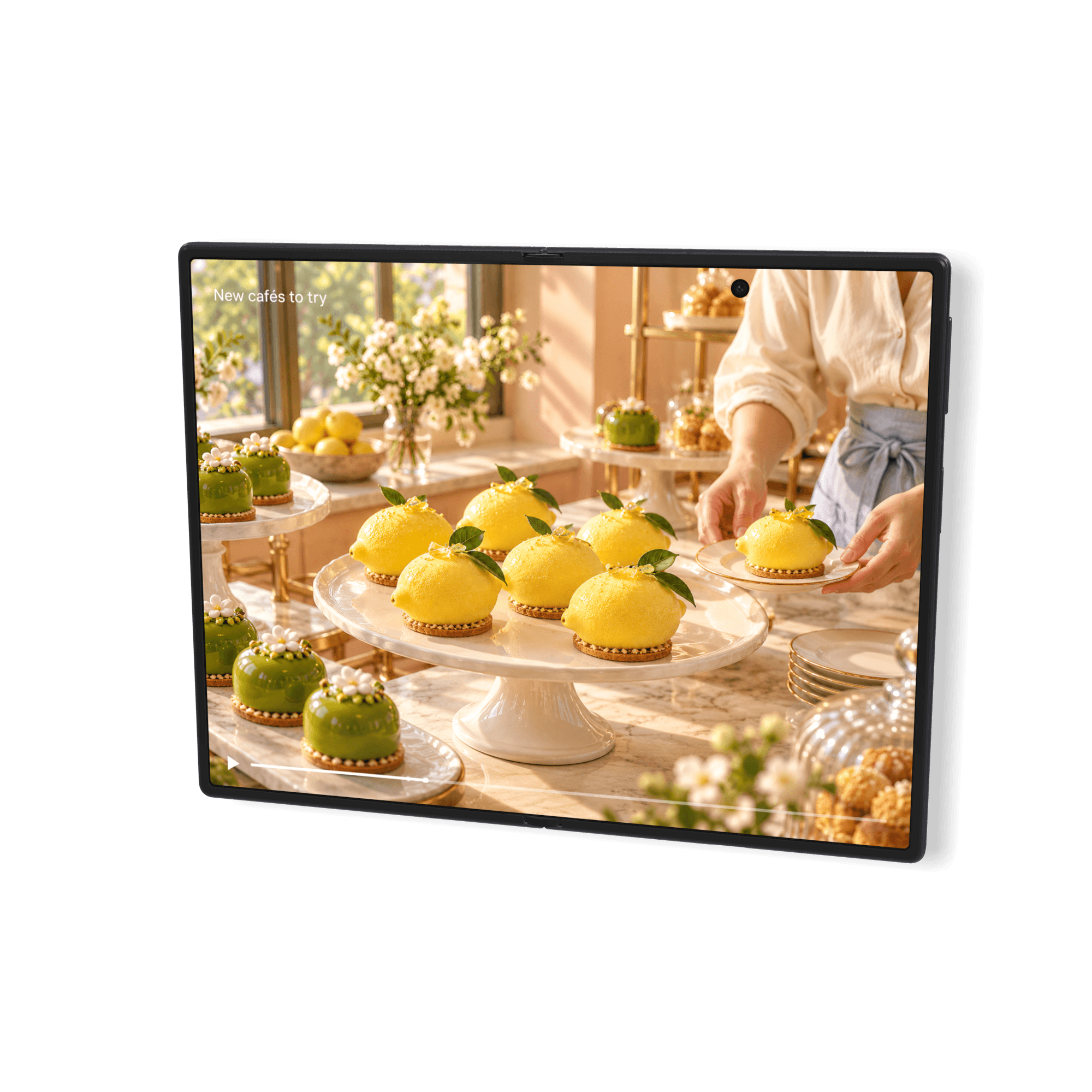
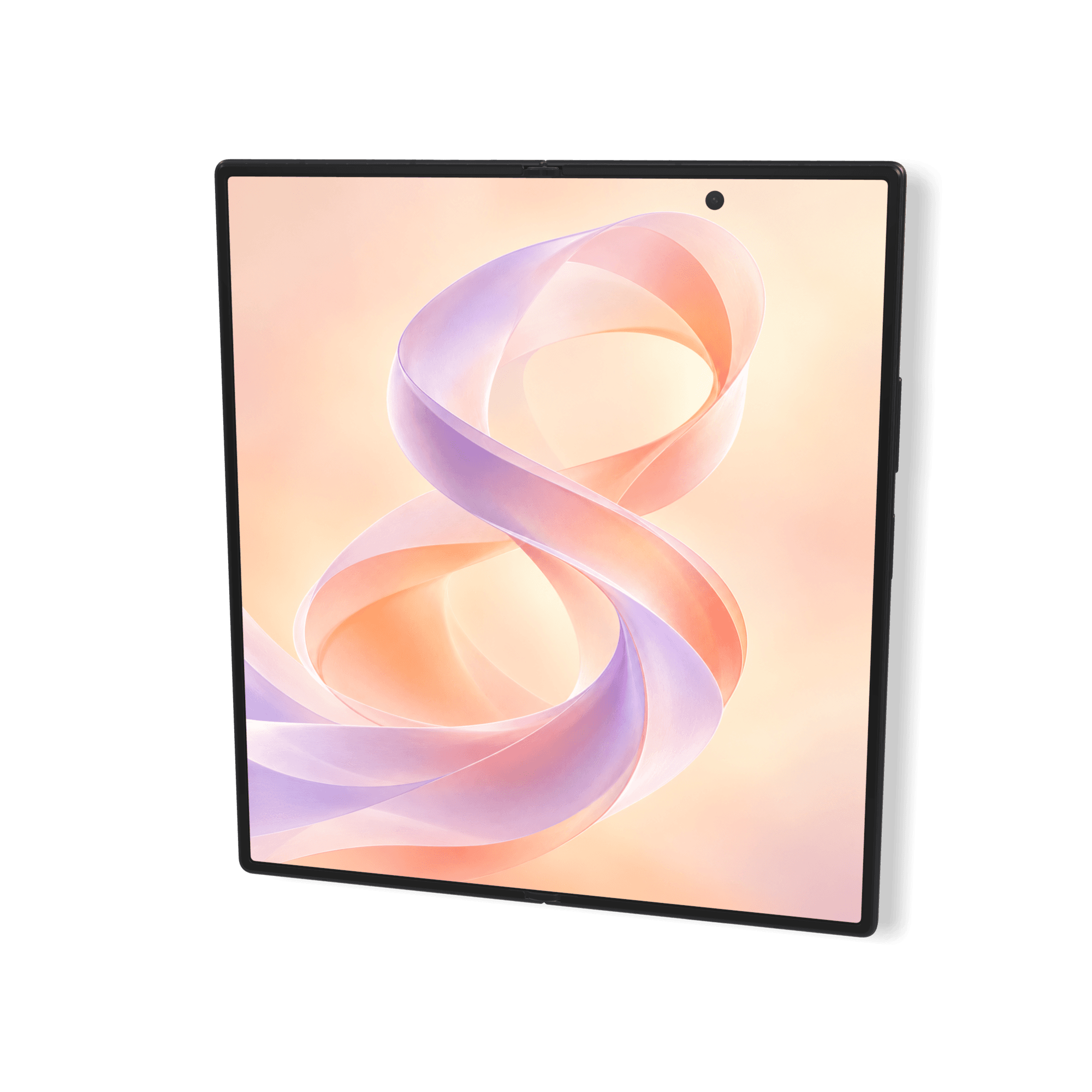
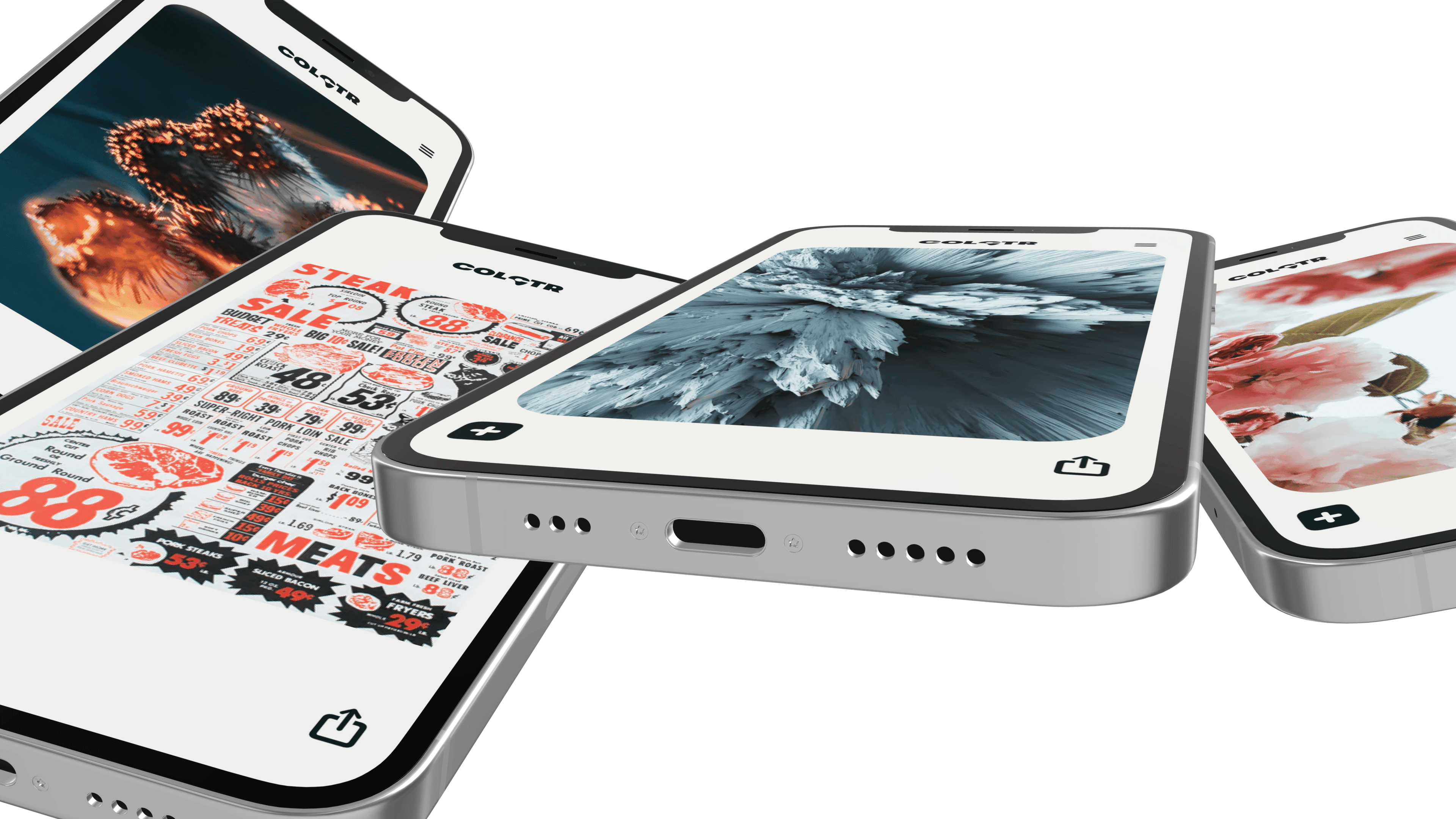
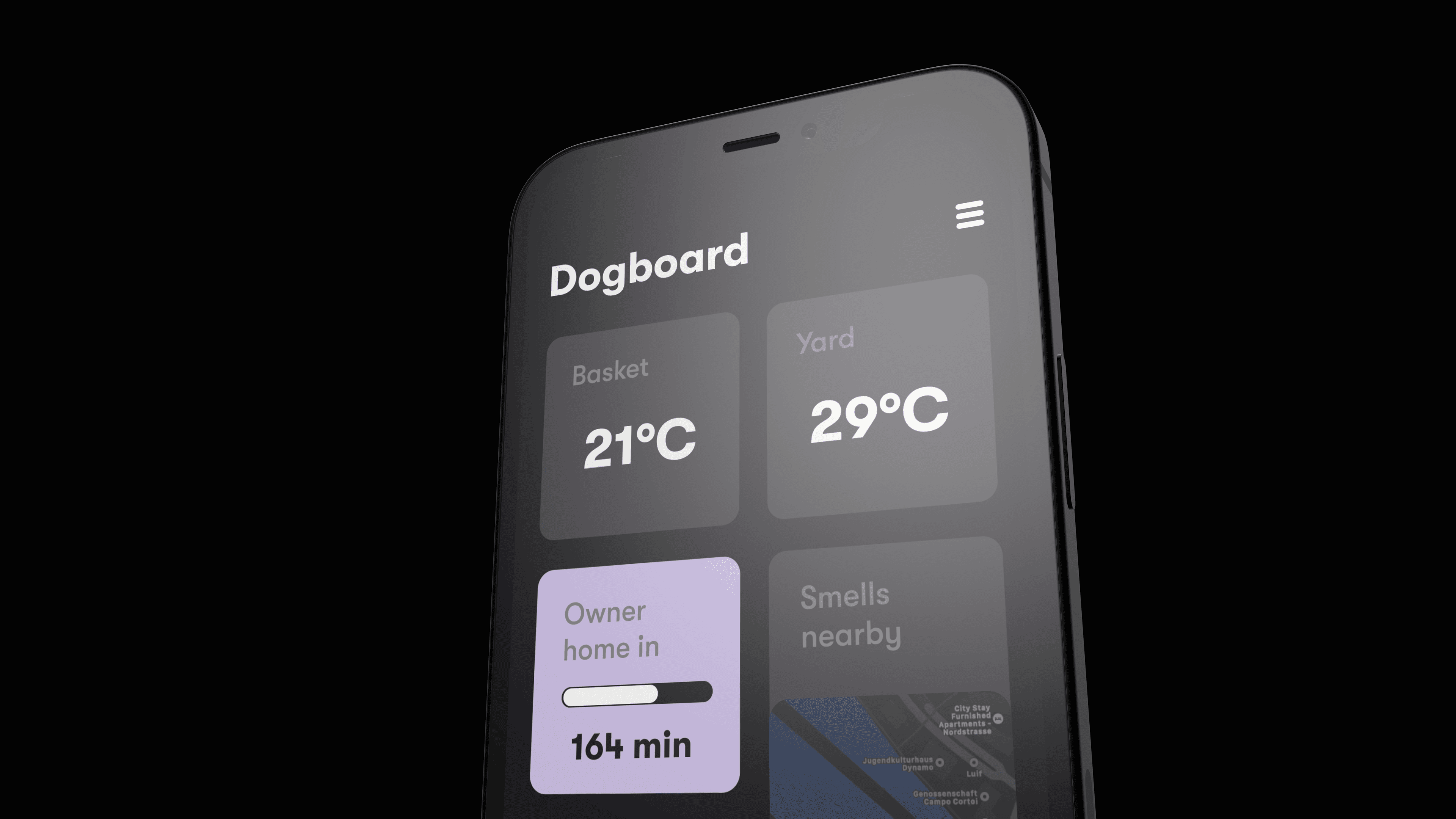
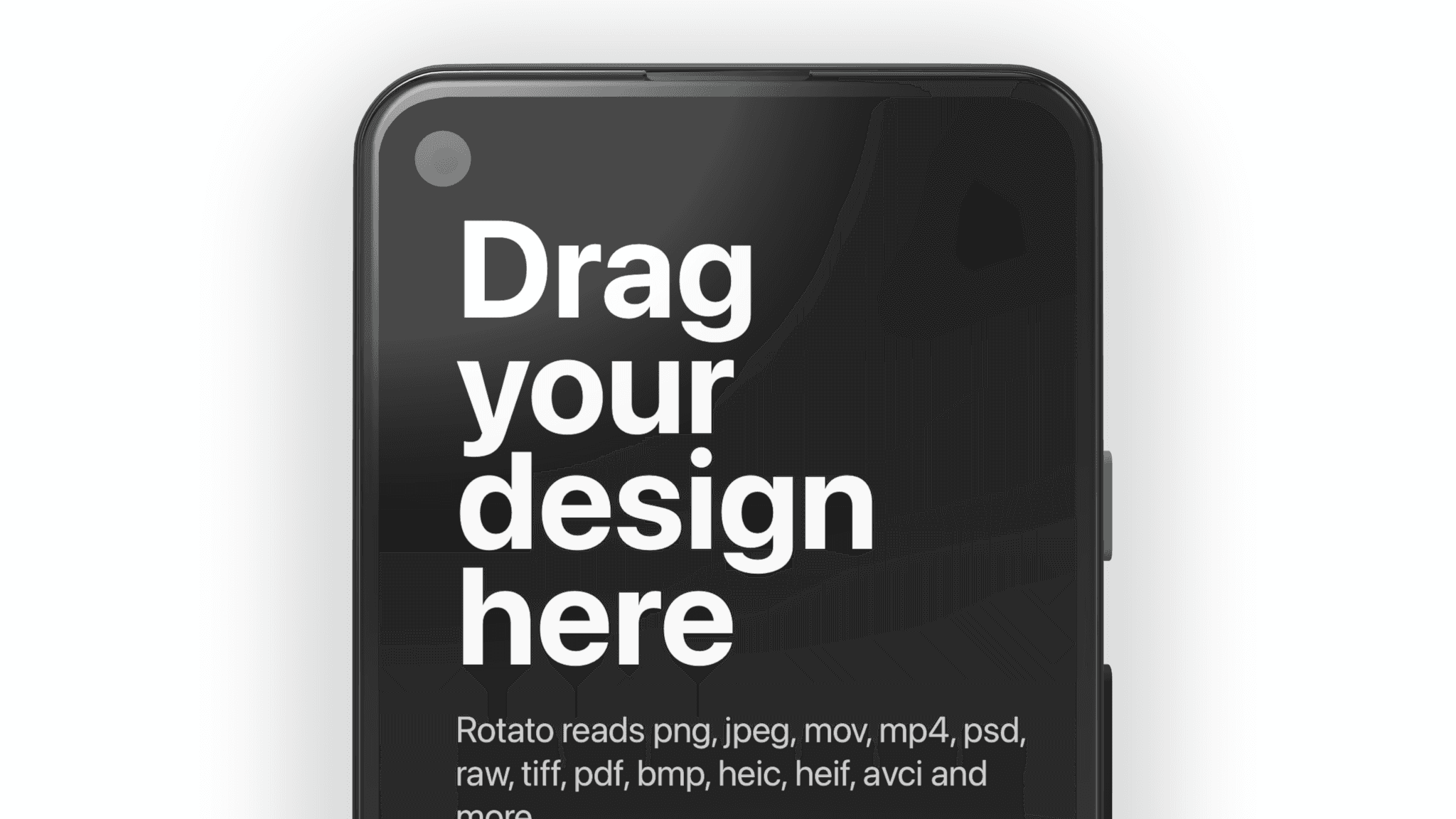
Choose the scene that makes your design feel familiar, credible, and irresistibly ready to use.
Add a screenshot or screen recording, then set the angle and color, or make it move. The 3D work is done for you.
Export a high-resolution still or animation for the launch, design review, client pitch, or social post that matters.
Rotato is a fast, native Mac app for design teams and founders who need buy-in from customers and, let’s face it, bosses. Your design presentation does not have to become a design project of its own.
Rotate a photorealistic 3D device until the perspective makes your product design feel like it already exists, not pasted into a frame.
Use a screenshot to show off the UI, or a screen recording to show motion and interaction. Rotato eats almost any file format.
Match the hardware color to your design system, or use clay mode when the interface should be the first thing to catch the eye.
Turn one scene into campaign images, product videos, presentation slides, and social posts without starting over.
Choose an iPhone when the Apple hardware is part of the appeal. Pick a Google Pixel or Samsung Galaxy for an Android audience. If the interface matters more than the logo, a generic device keeps the attention where it belongs.
The best choice is usually the phone your customers recognize, or the one they already hold. For a cross-platform product, use several devices to show that the experience belongs everywhere.
Yes. Rotato accepts almost any file format. Drop a still image or screen recording onto the display and export either a still image or an animated phone mockup.
Yes. Rotate the 3D model, adjust the case color, and use a color, image, or even video for the background. Clay mode can subtly indicate a device without pulling attention from the screen.
The phone mockups include Apple iPhone, Google Pixel, Samsung Galaxy, and generic non-branded devices. Use the category links above to narrow the gallery by family.
Yes. We call those mockup videos. Start with a template or animate the 3D camera or device yourself, then export for product launches, social posts, and presentations.
Yes. Set up a family scene, show several iPhones at different angles, or replace one device with another without rebuilding the composition.
Yes. You can think of Rotato as a very specialized Photoshop. What you create is 100% yours. Rotato mockups come without Apple, Samsung, or Google logos, so you can focus on your own brand.
Try every template and get to your first render in about 4 minutes. Unlimited trial. Exports have a watermark until you upgrade.