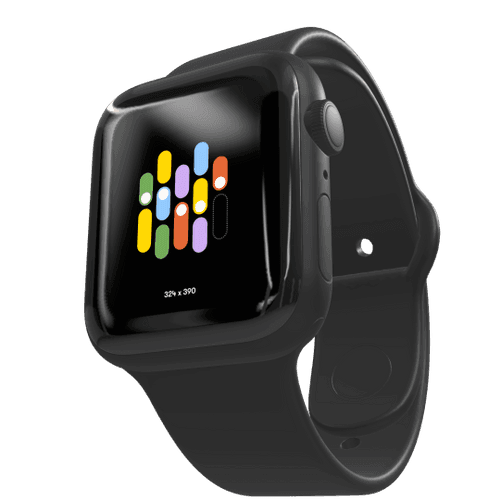
iPhone 15 Mockup
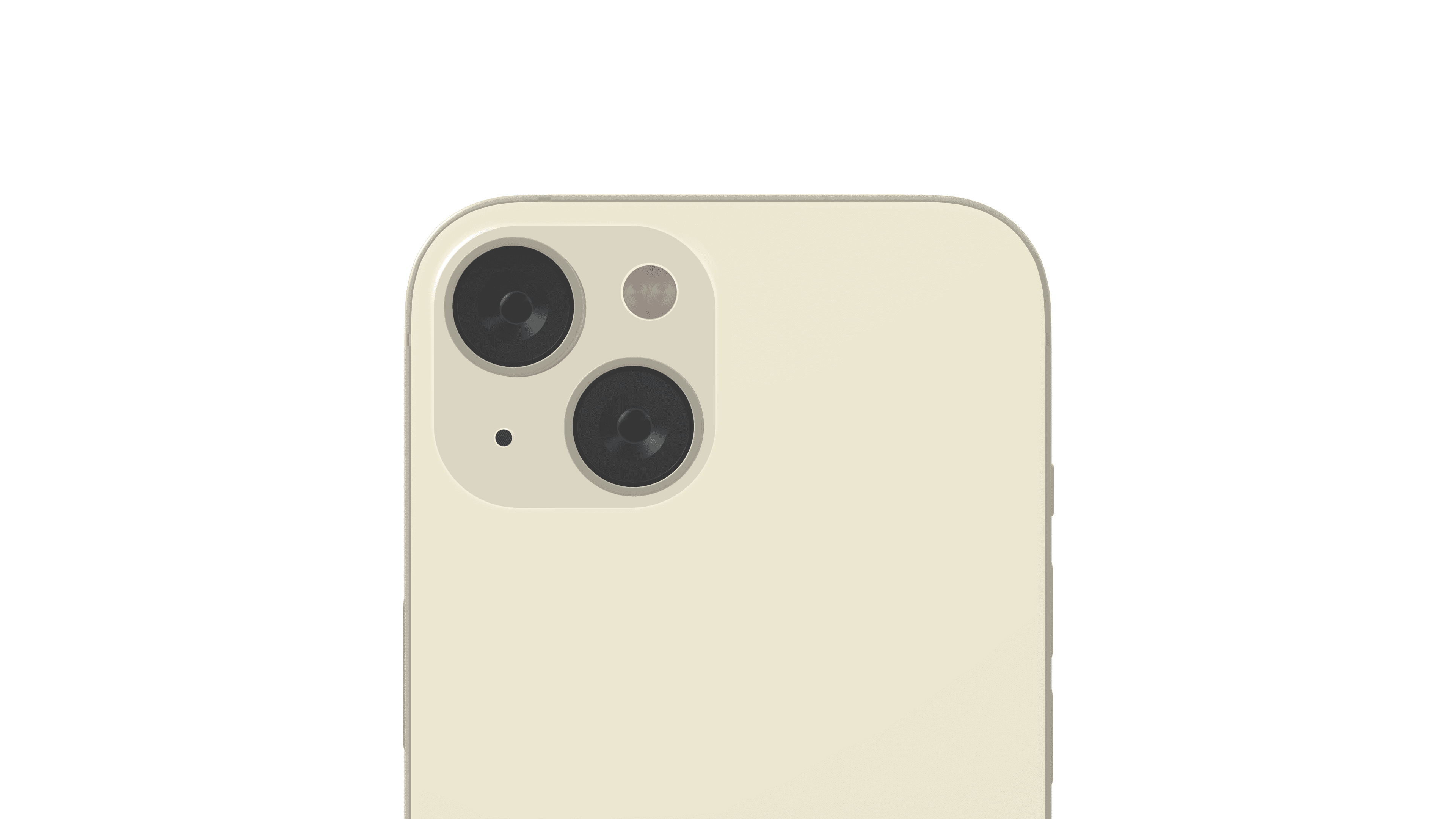
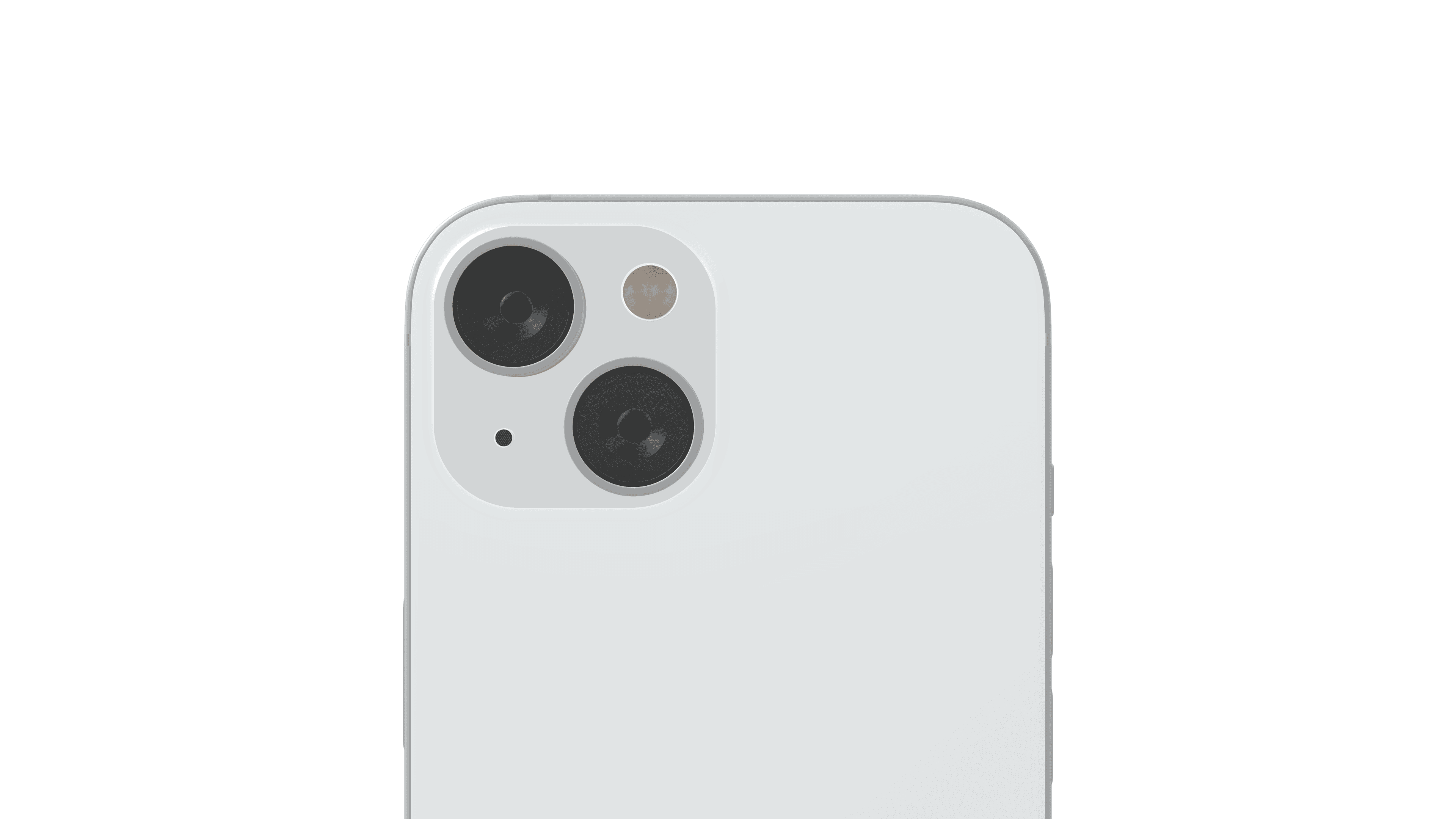
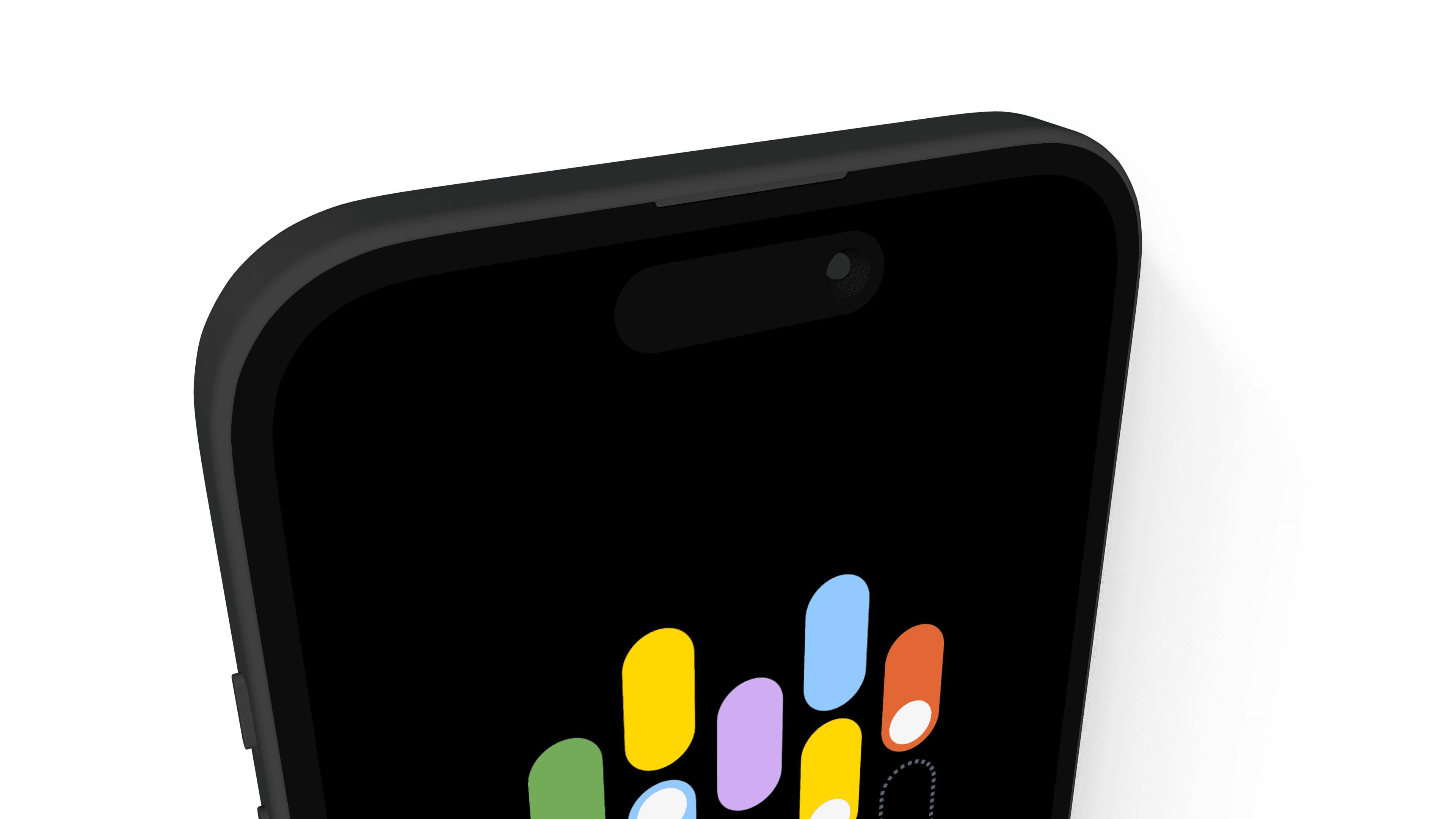
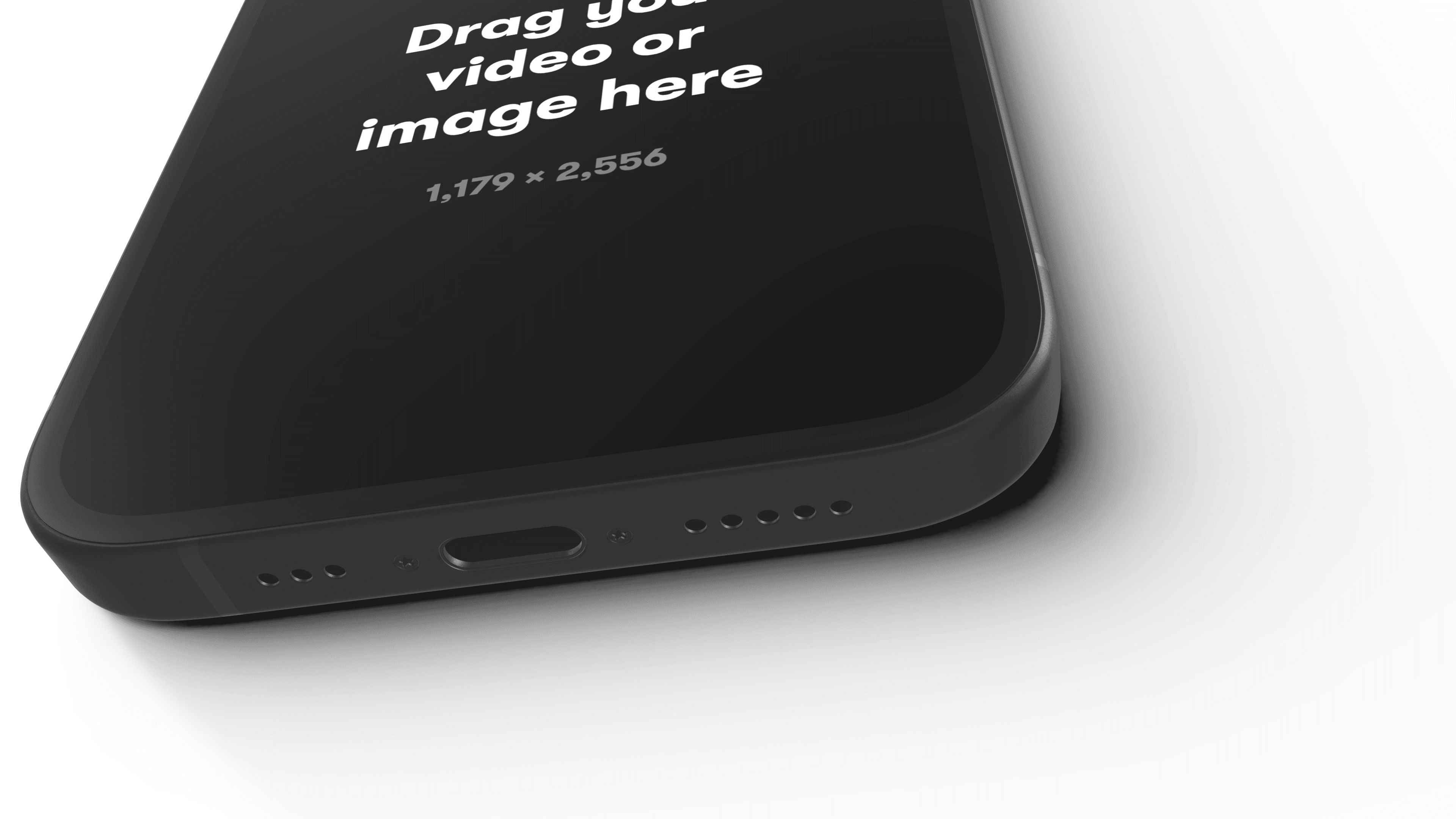
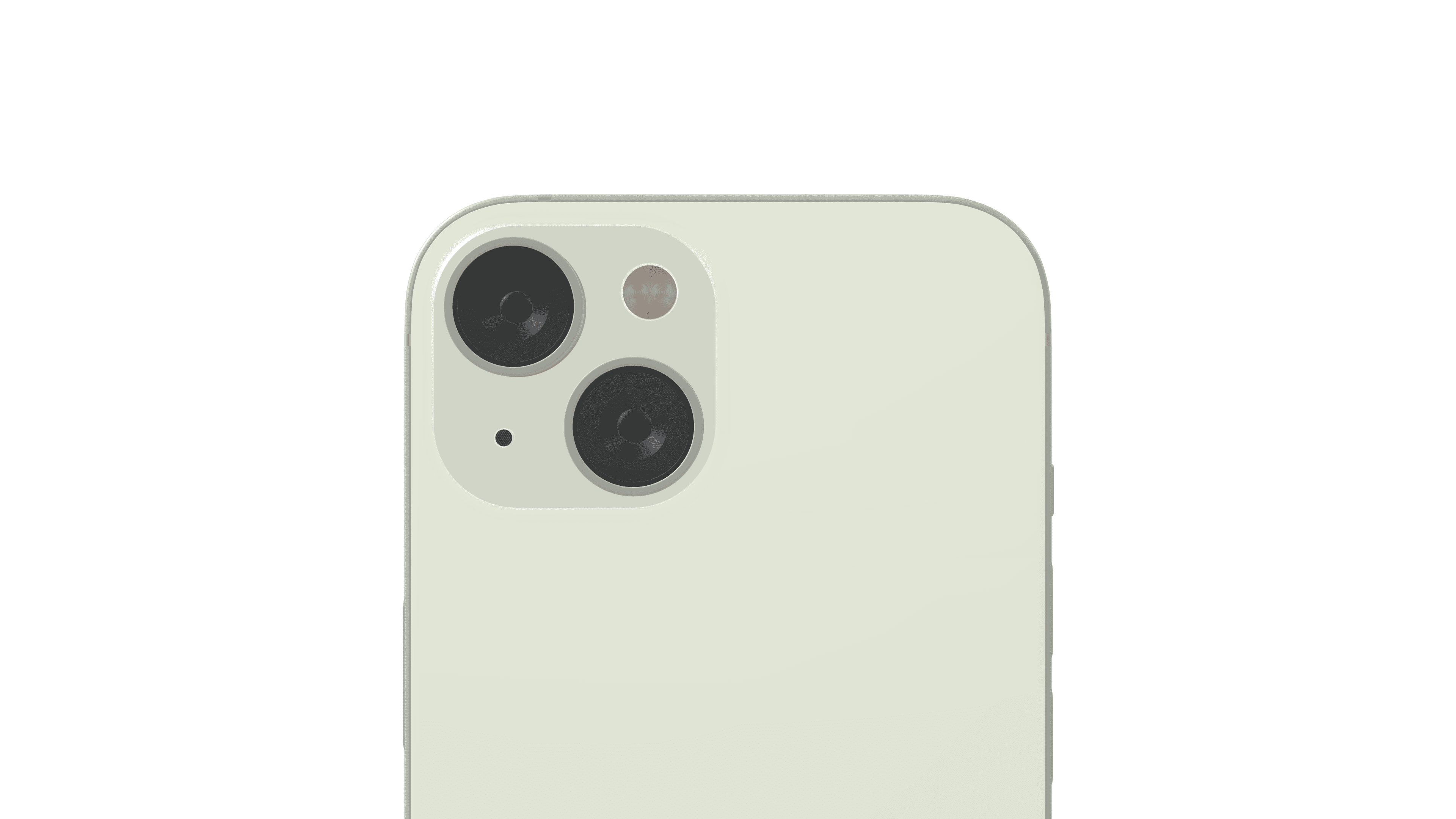
For the 2023 model, we crafted the iPhone 15 model from the ground up with perfect precision to include the Dynamic Island, the USBC-C port, and all the tiny adjustments to the bezel and case. We also added a special treatment for the back plate, making sure the digital light bounces off as vibrantly as in the real world for all the official colors: Black, Green, Yellow, Pink, and Blue. The colors are available when you click the Device color color picker. You can also choose any other color of your liking, and all work perfectly in clay mode, too.
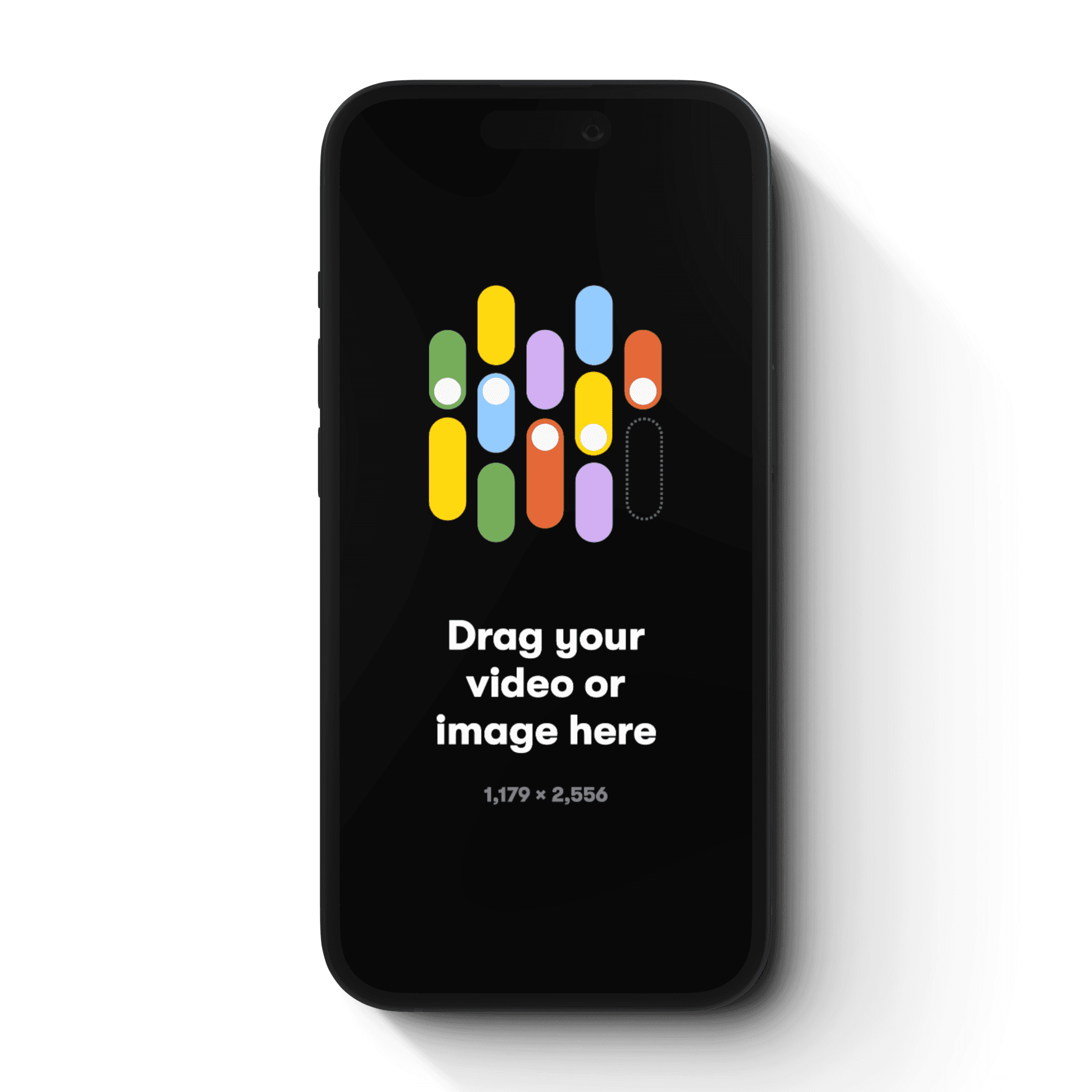
How to make your iPhone 15 Mockup
Step 1
Download Rotato and open Rotato on your Mac
Step 2
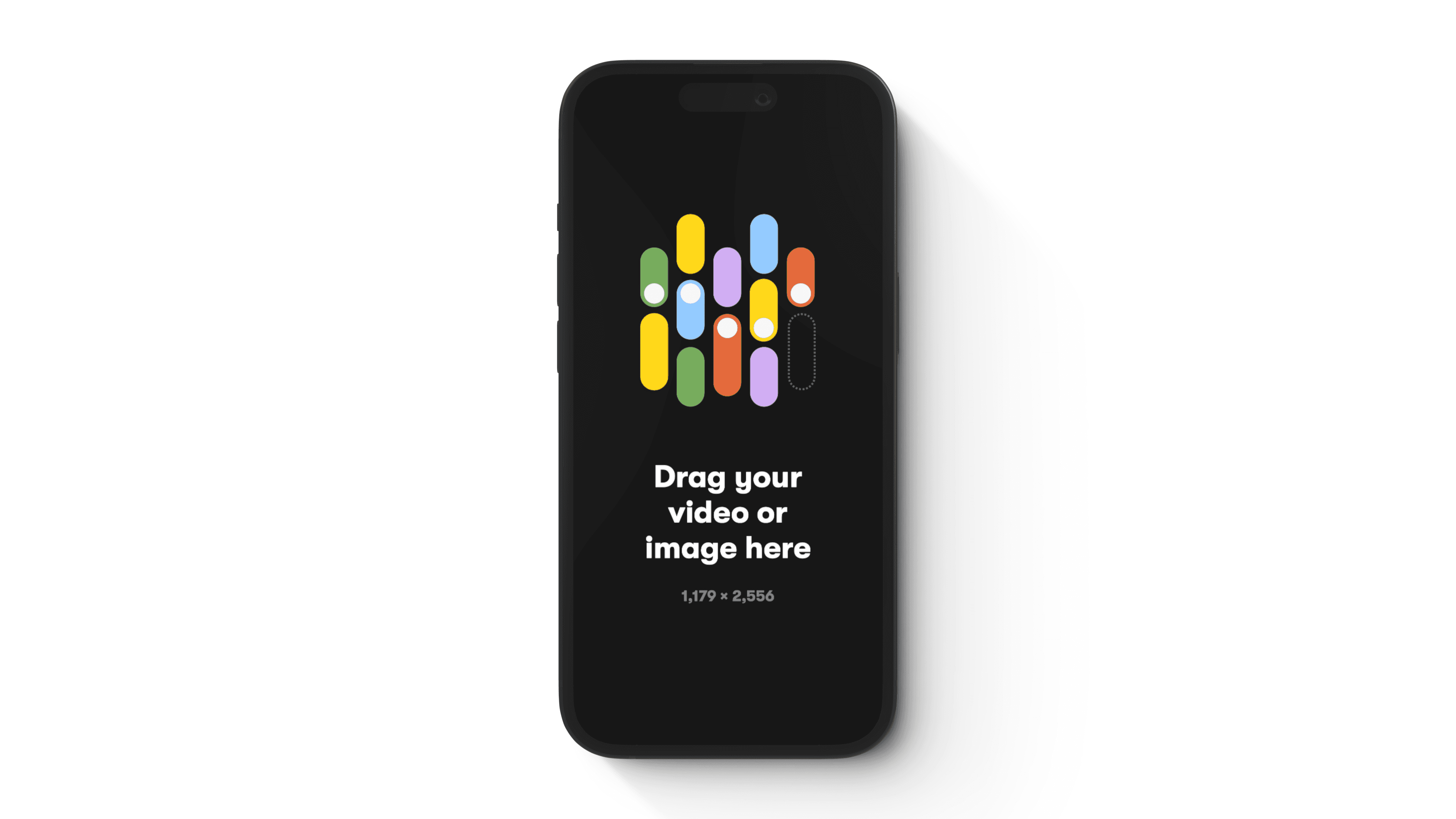
Select the iPhone 15 mockup and drag your image or video file onto it
Step 2
Render a photo or video in seconds
100% customizable. 110% awesome.
Click any photo to view a larger size. Each of these took less than a second to render—even those with depth of field. That means more iterations and leveled-up deliverables.
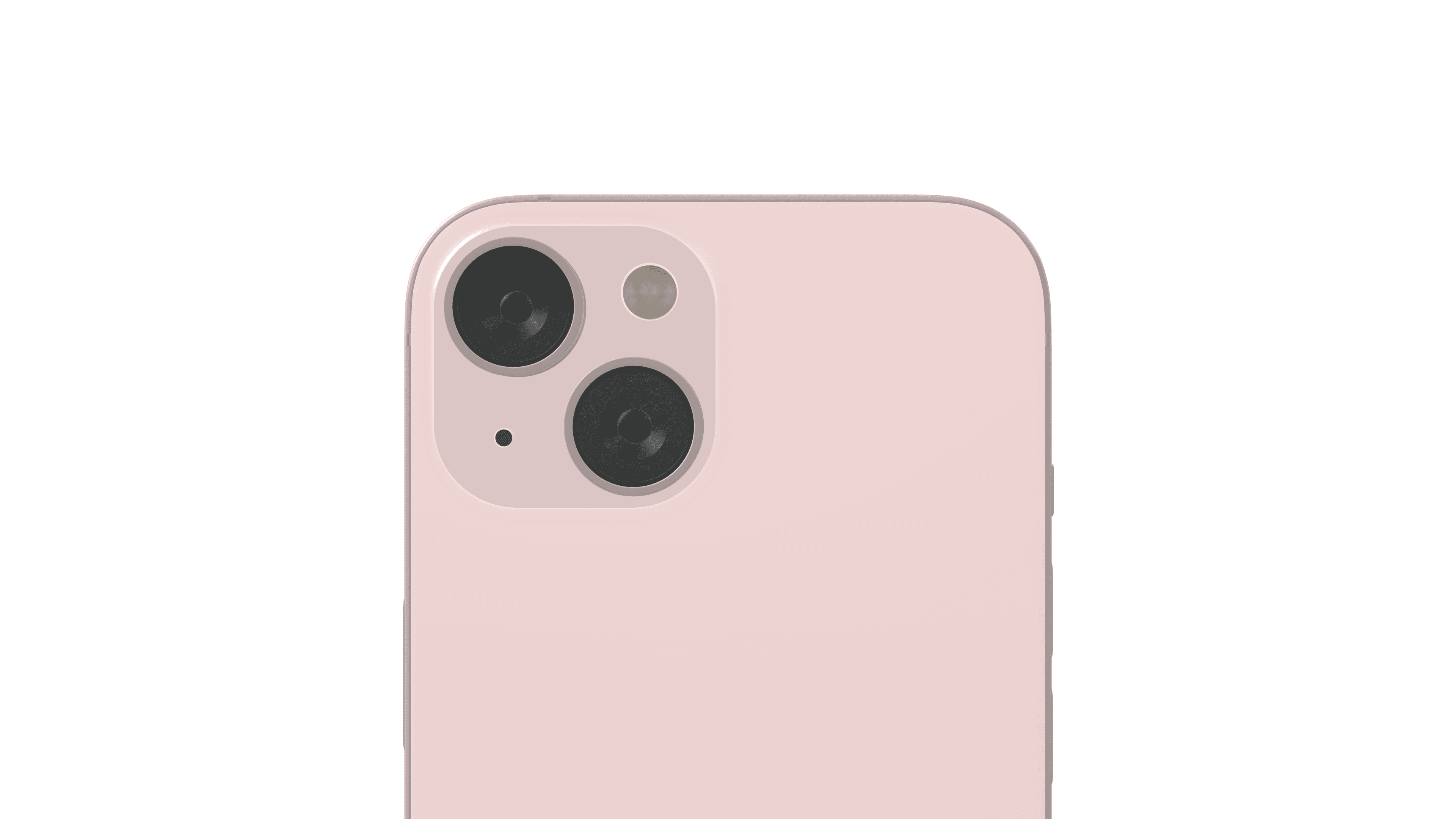
When we say drag and drop, we're dead serious.
Got 65 seconds? Let's 1. import a design, 2. find an angle, 3. export a snapshot, import a landscape mockup, export that one, too, then import a video, create an animation, and render an entire movie.
Insane speed or jaw-dropping quality? Why not both?
Rotato renders millions of pixels per second, up to 10 times faster than cloud-based solutions, thanks to our direct integration with Metal Layer 2. For you, that means no cost-per-render, and faster iterations, and that means better results.