Device animations, cinematic mode, titles, 9 new devices + more
Animate individual devices
You can now animate individual devices, screen contents, laptop lids, text, and images on the timeline, with separate timing for individual properties. Move one phone while the camera and the other devices stay still.
Laptop lids get their own track, so you can open and close a MacBook as part of the shot.
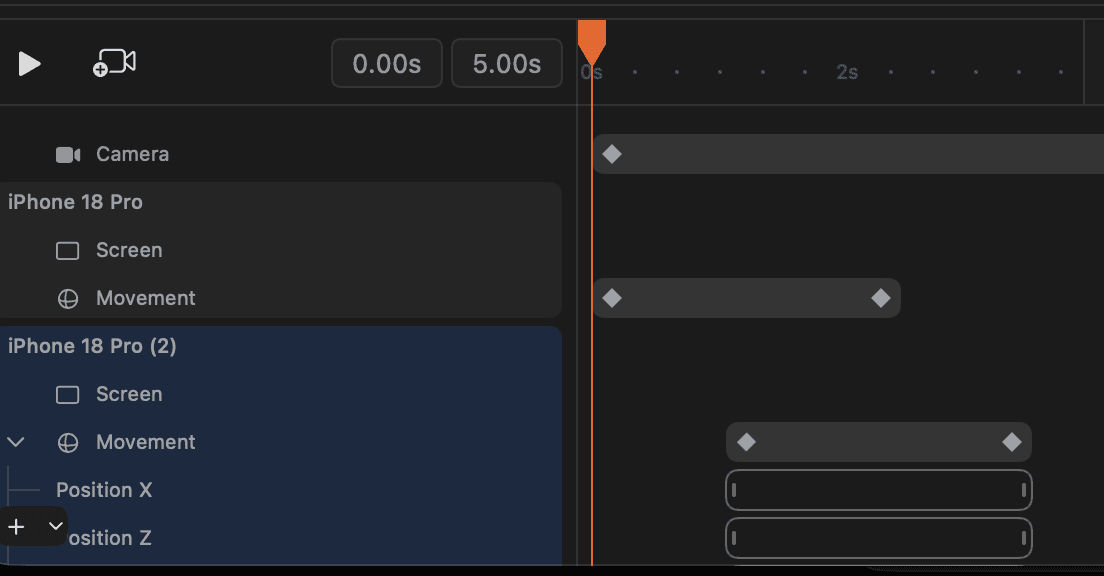
Animate one device independently · Open and close the laptop
Rotato CLI (MCP) for AI agents and scripting
Your AI agent can now compose scenes, animate devices, inspect its work, and export through the Rotato command line tool. You can also create and render templates from your own scripts. A guided installer helps you get started.
2D text and images
You can now add 2D text and images to your scene, edit text directly on the canvas, style its background, and bring it to life with text animation presets.
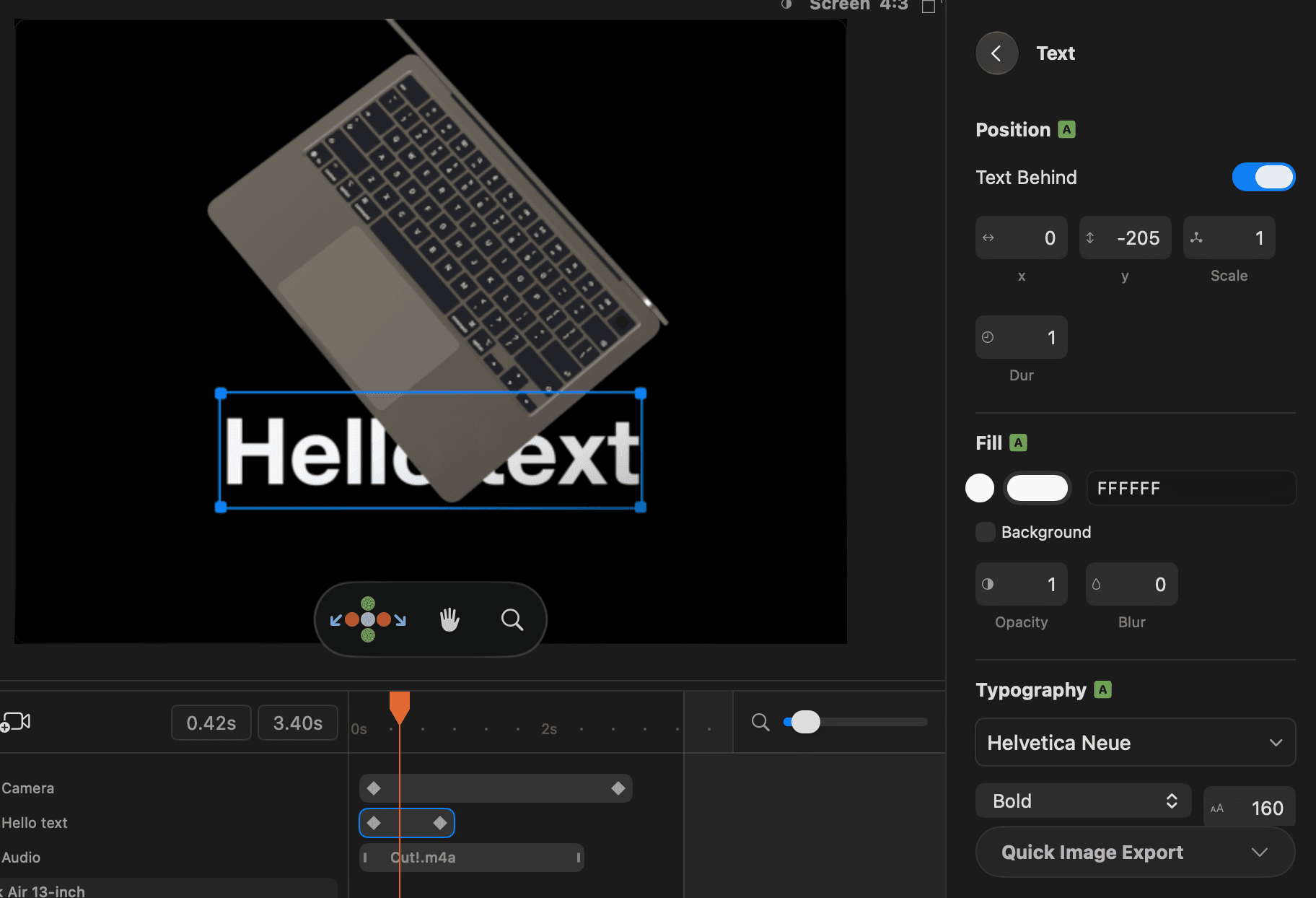
Add a 2D title · Add a logo or image overlay · Text animation presets
Multiple audio clips
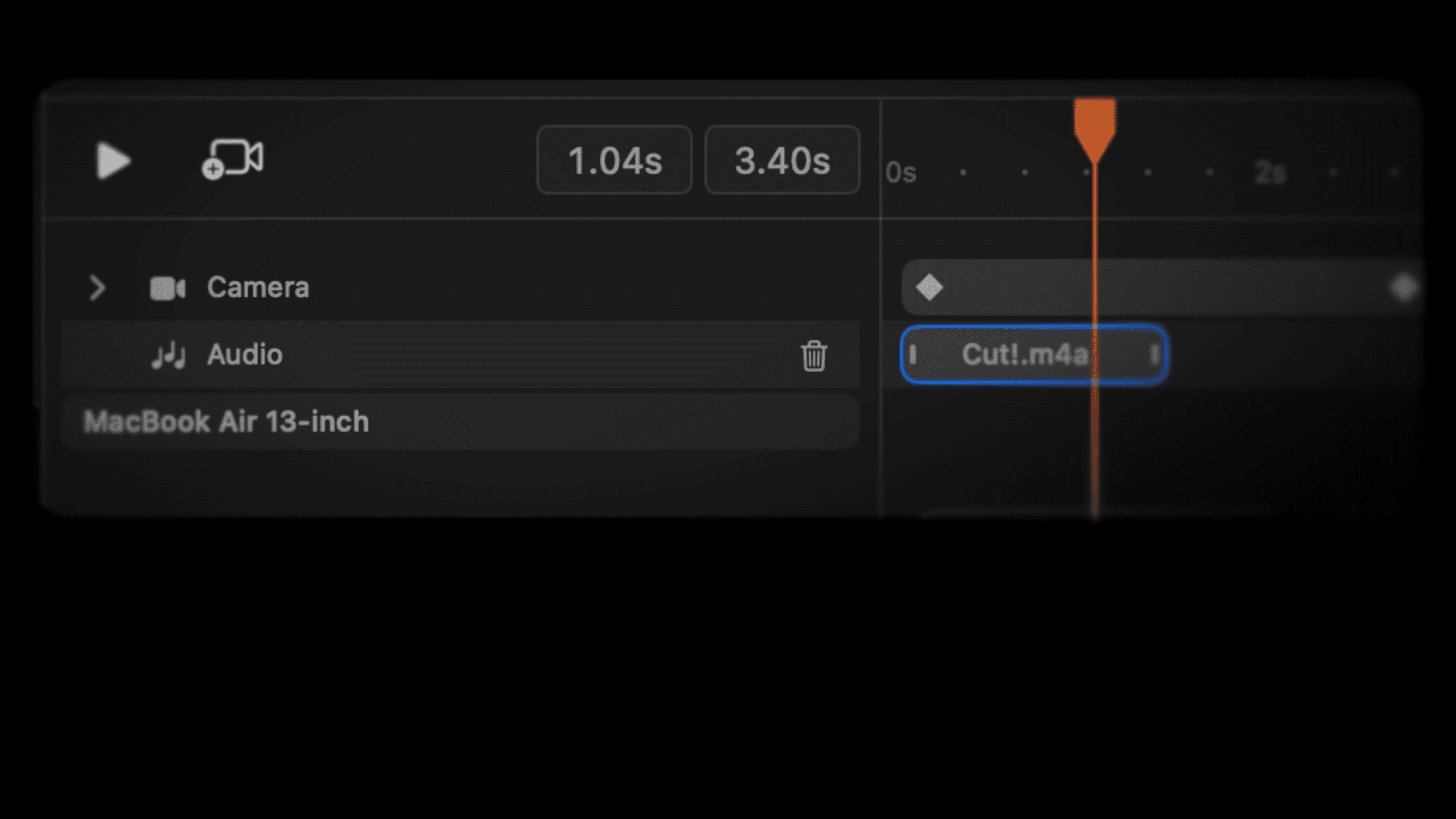
You can now add multiple audio clips to the timeline, move and trim them, and hear them in previews and exported movies.
Rotato Cinema renderer
You can now try experimental, cinema-grade for previews, still images, and movies, with studio shadows and quality presets for still exports.
The Cinema Renderer uses the same technique as e.g. Pixar movies to get shadows, light bounces and reflections true to life, and you can even see a low quality preview right in the viewport when you move the camera or update the scene otherwise.
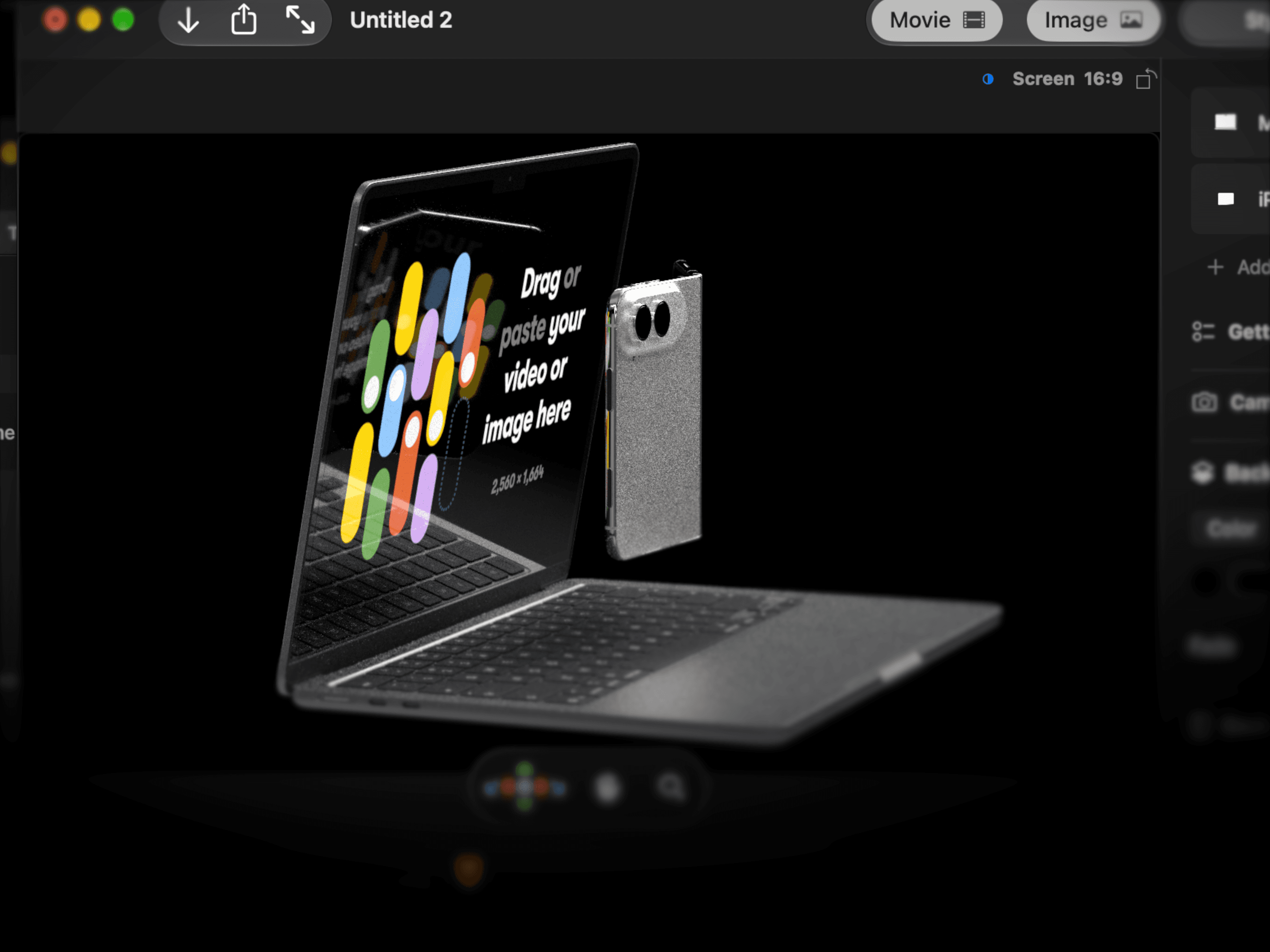
Render an image with path tracing · Render a video with path tracing · Preview with Rendered View
Desktops and browser UI for laptops and monitors
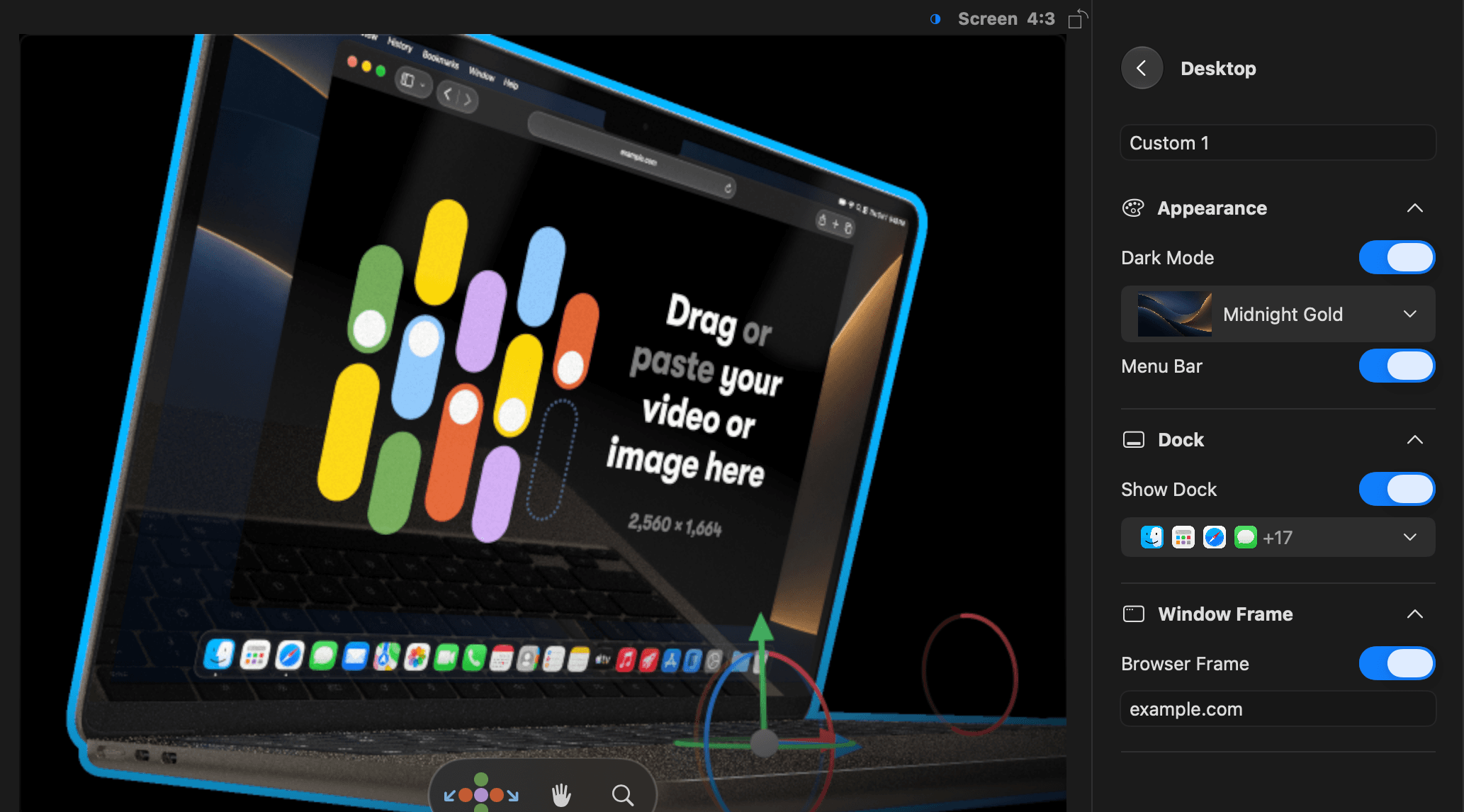
It can be a hassle to prepare a full macOS screenshot, so Rotato can now do that for you. We know how important it is to make it just perfect, so you can customize everything: dark mode, light mode, desktop background presets, your own desktop background, dock, exactly which icons to show in the doc, and a highly requested one: a browser, with a customizable URL field.
Fade into the background
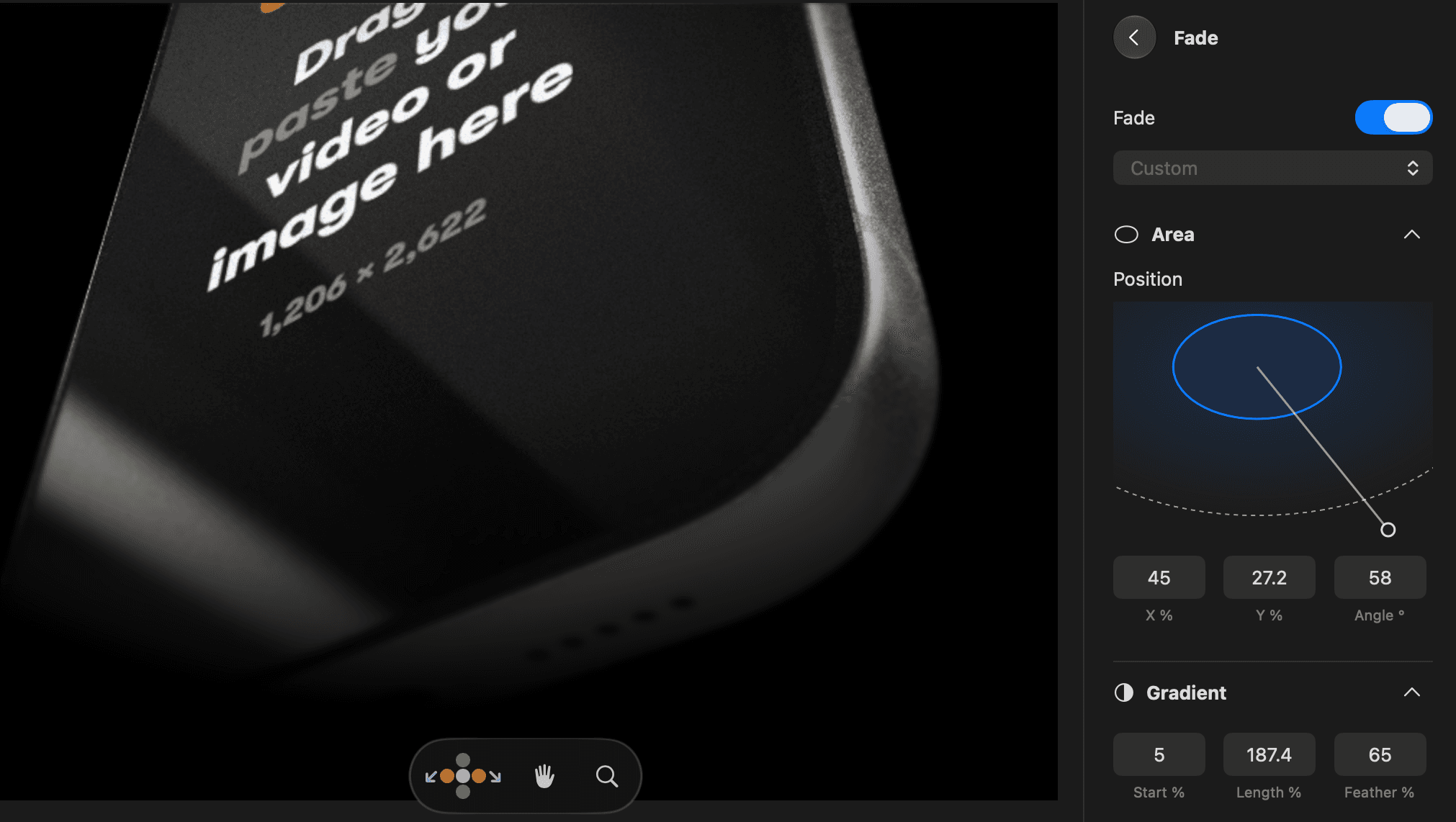
Fade and blur to make your mockup blend in naturally with the background, like on this page.
iPhone 18 Pro
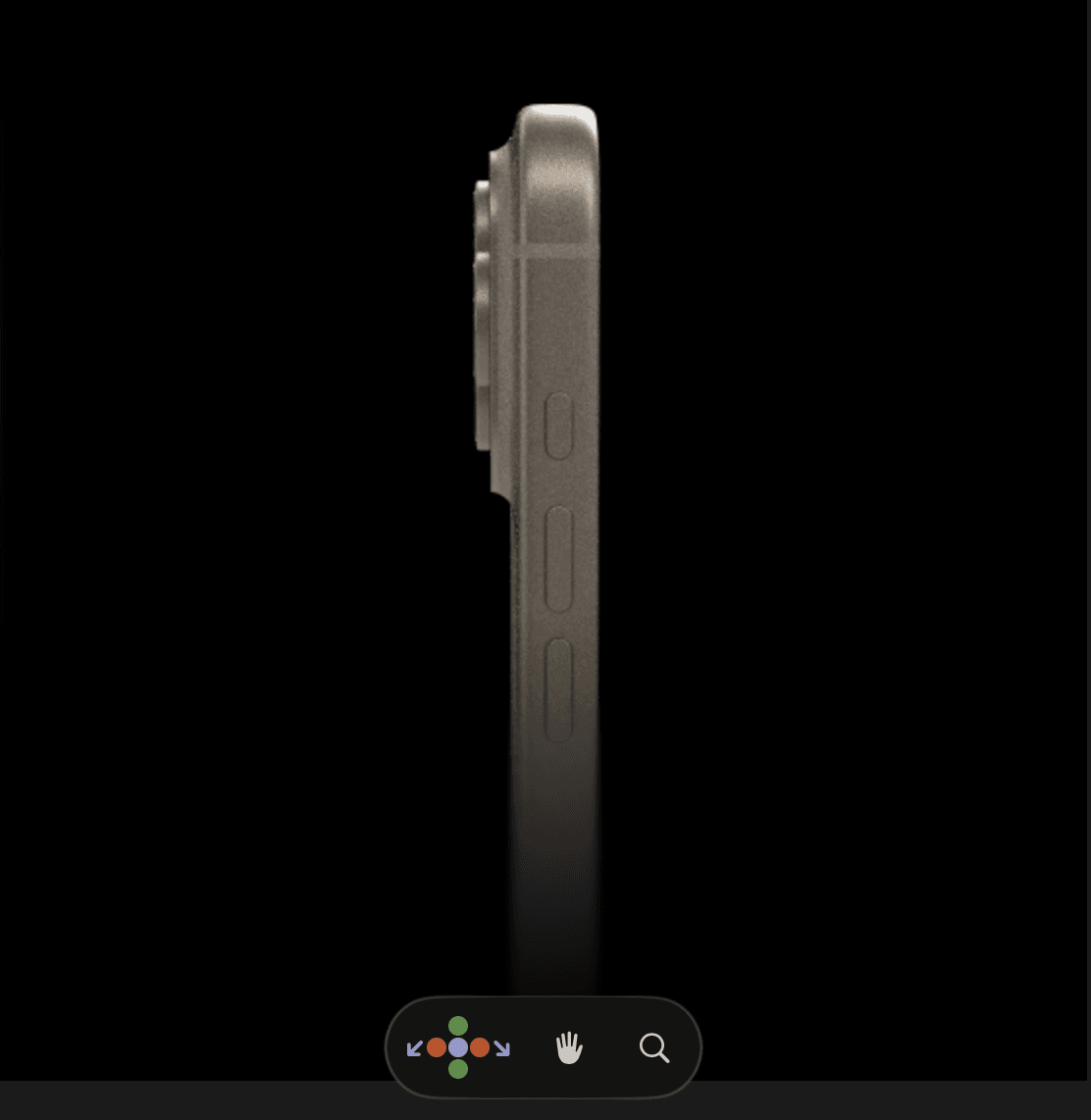
iPhone 18 Pro Max
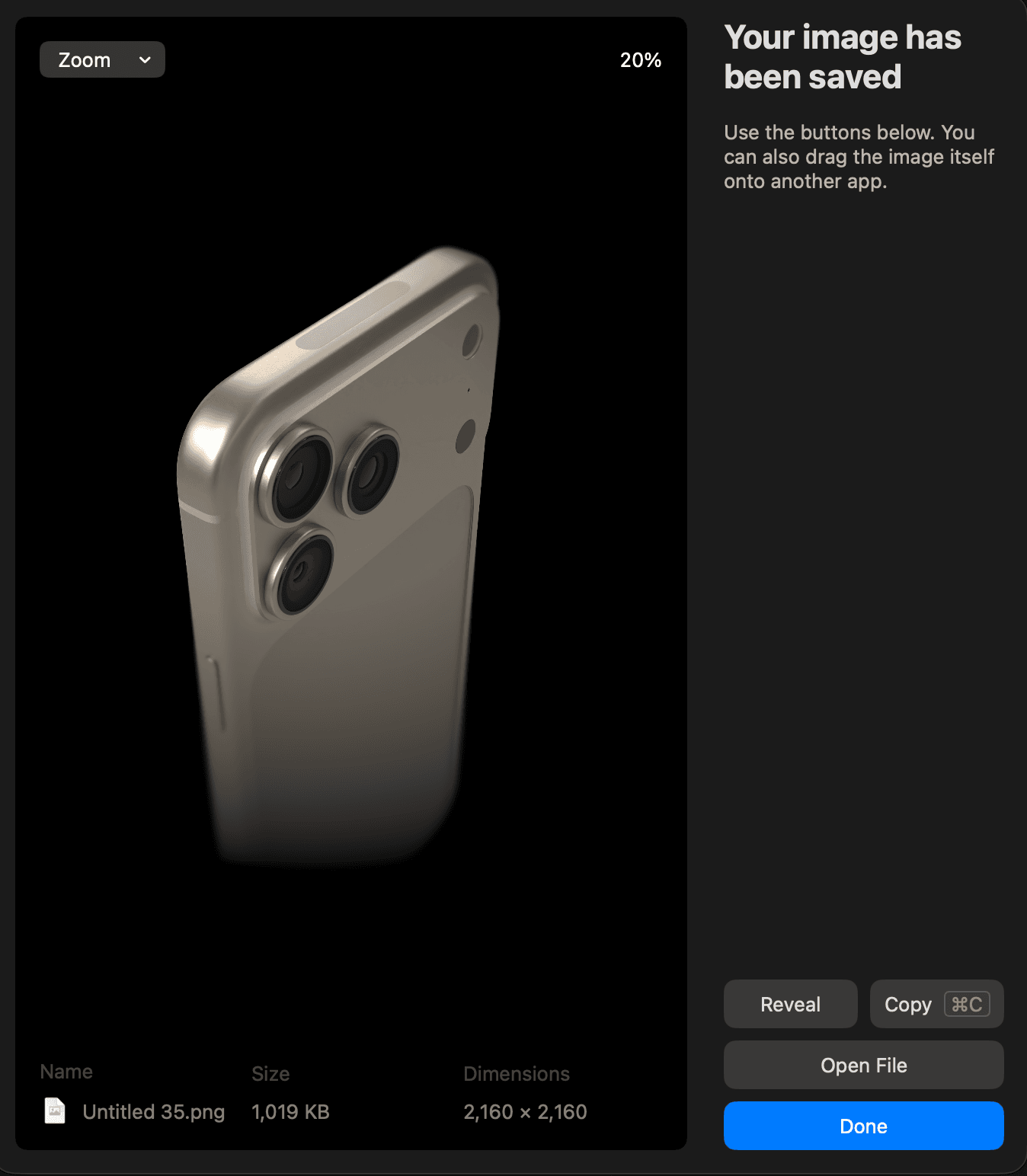
iPhone Duo
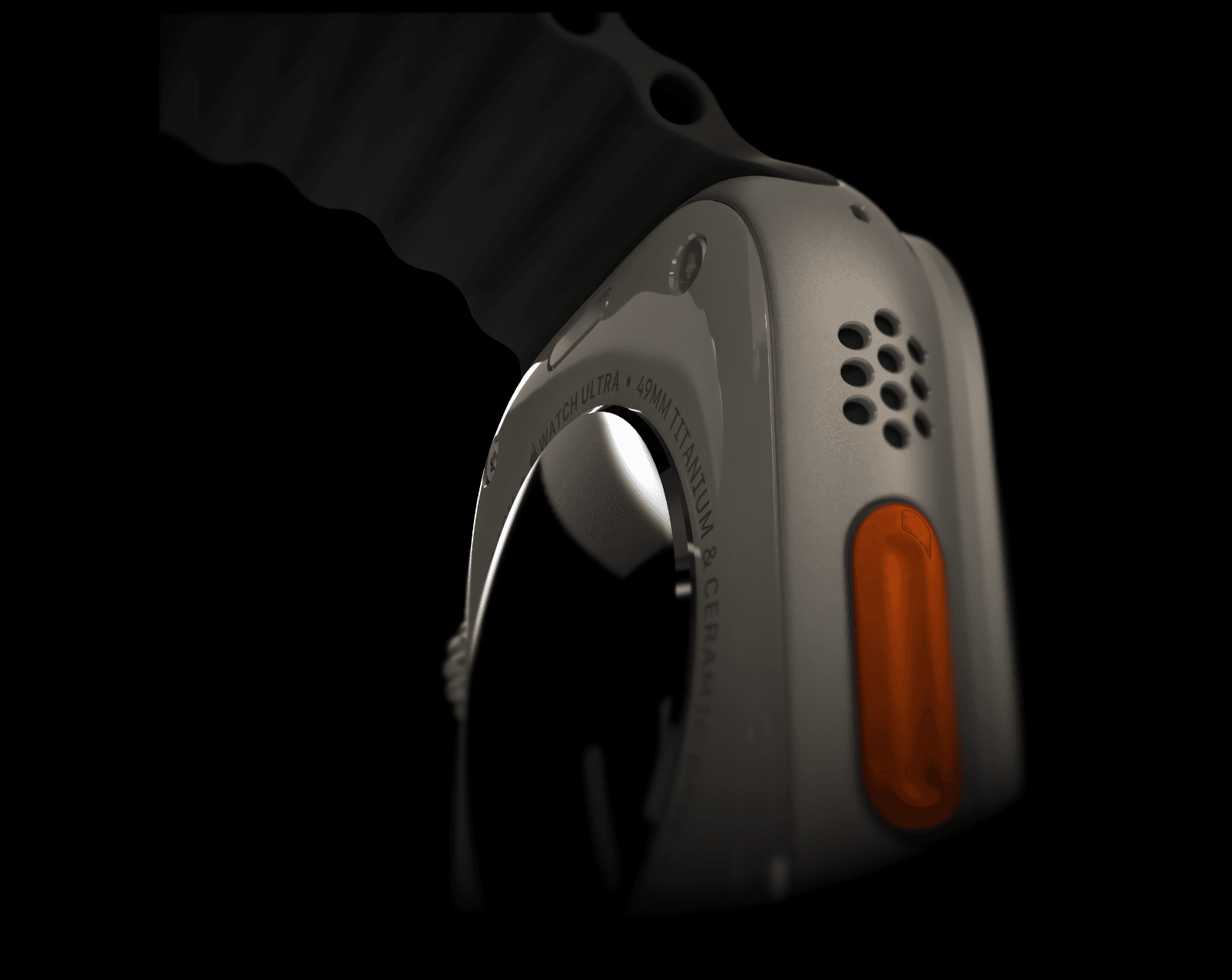
Apple Watch Ultra 3
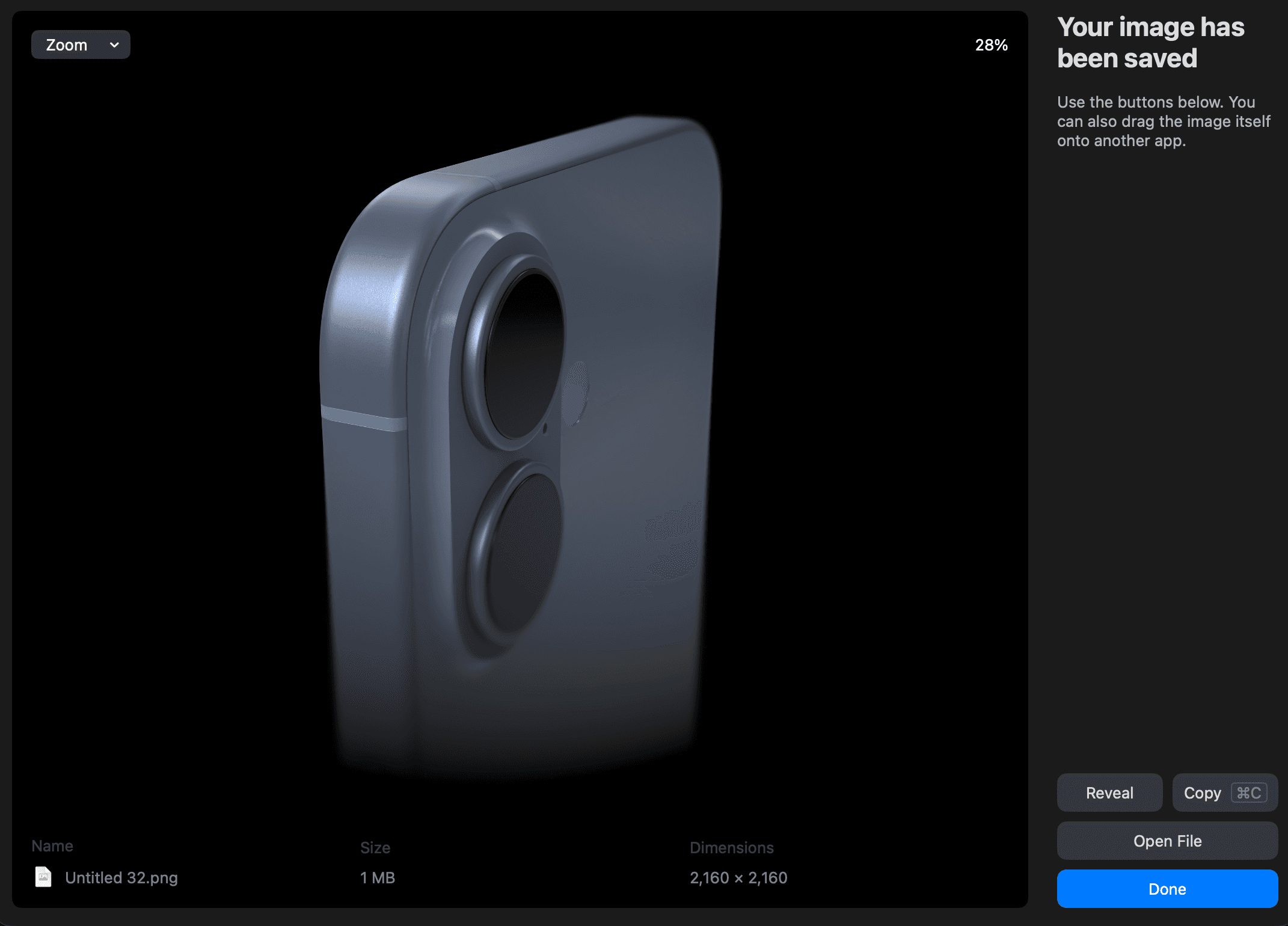
iPhone 17
iPhone 17 Pro
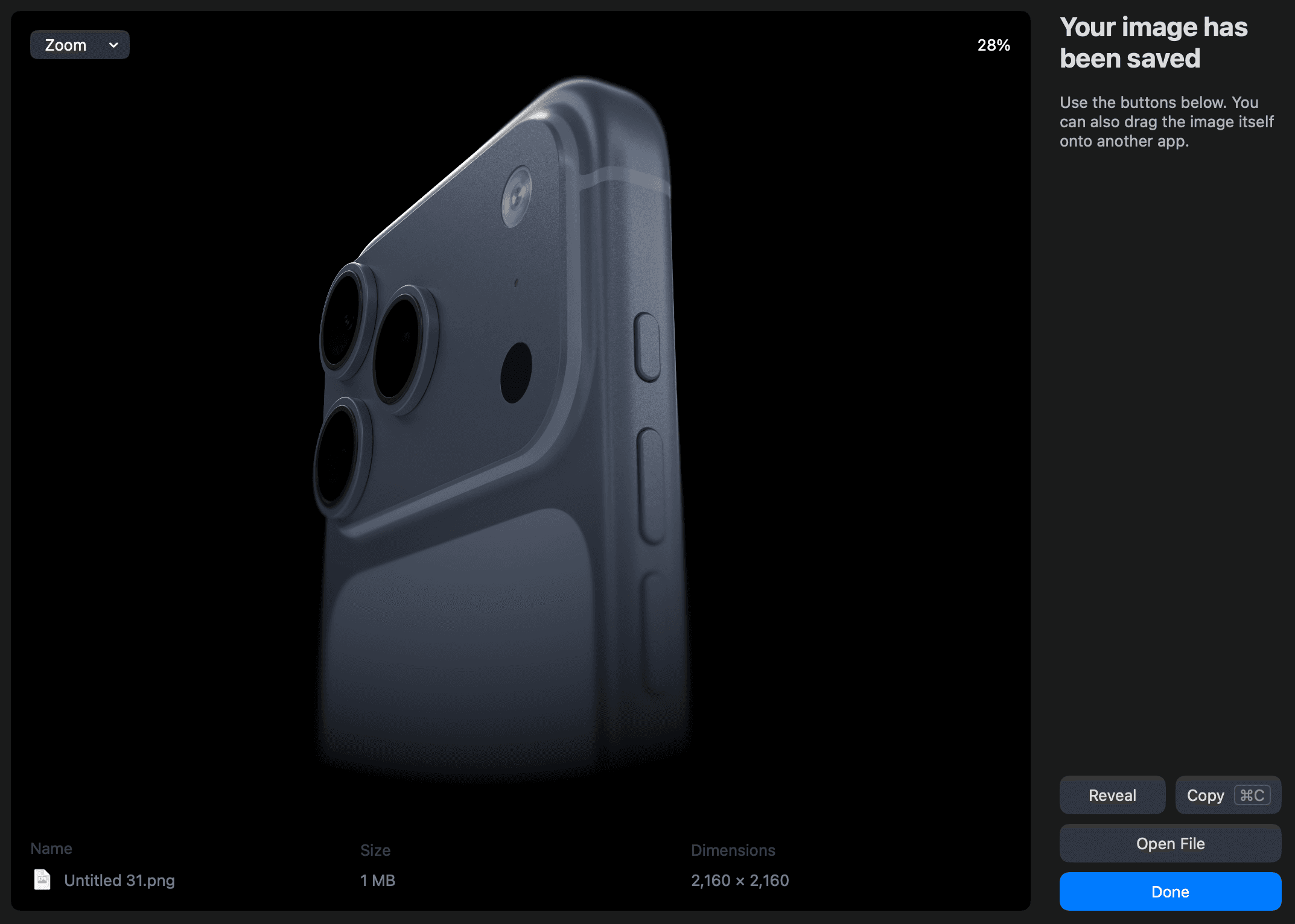
iPhone Air
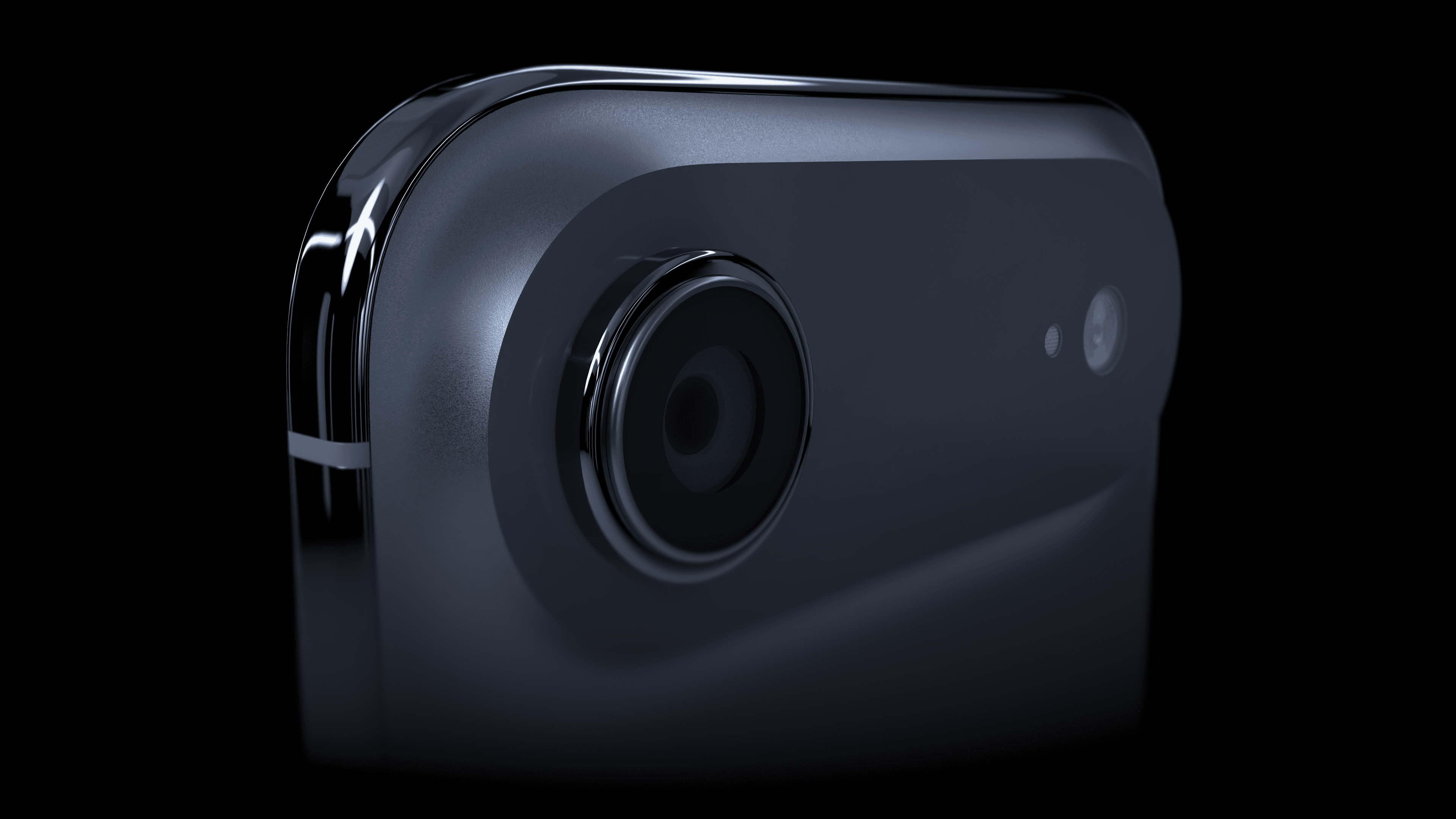
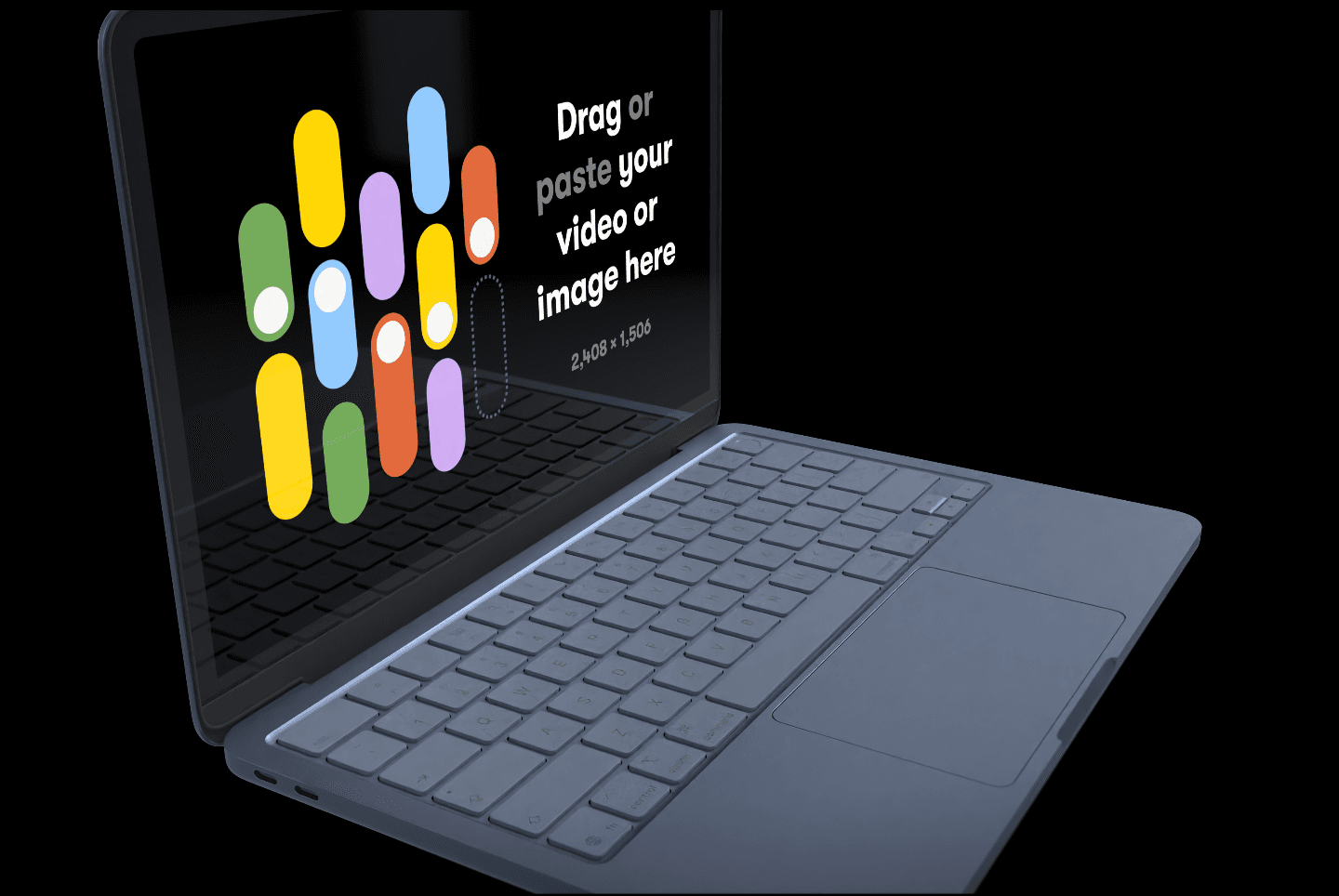
MacBook Neo
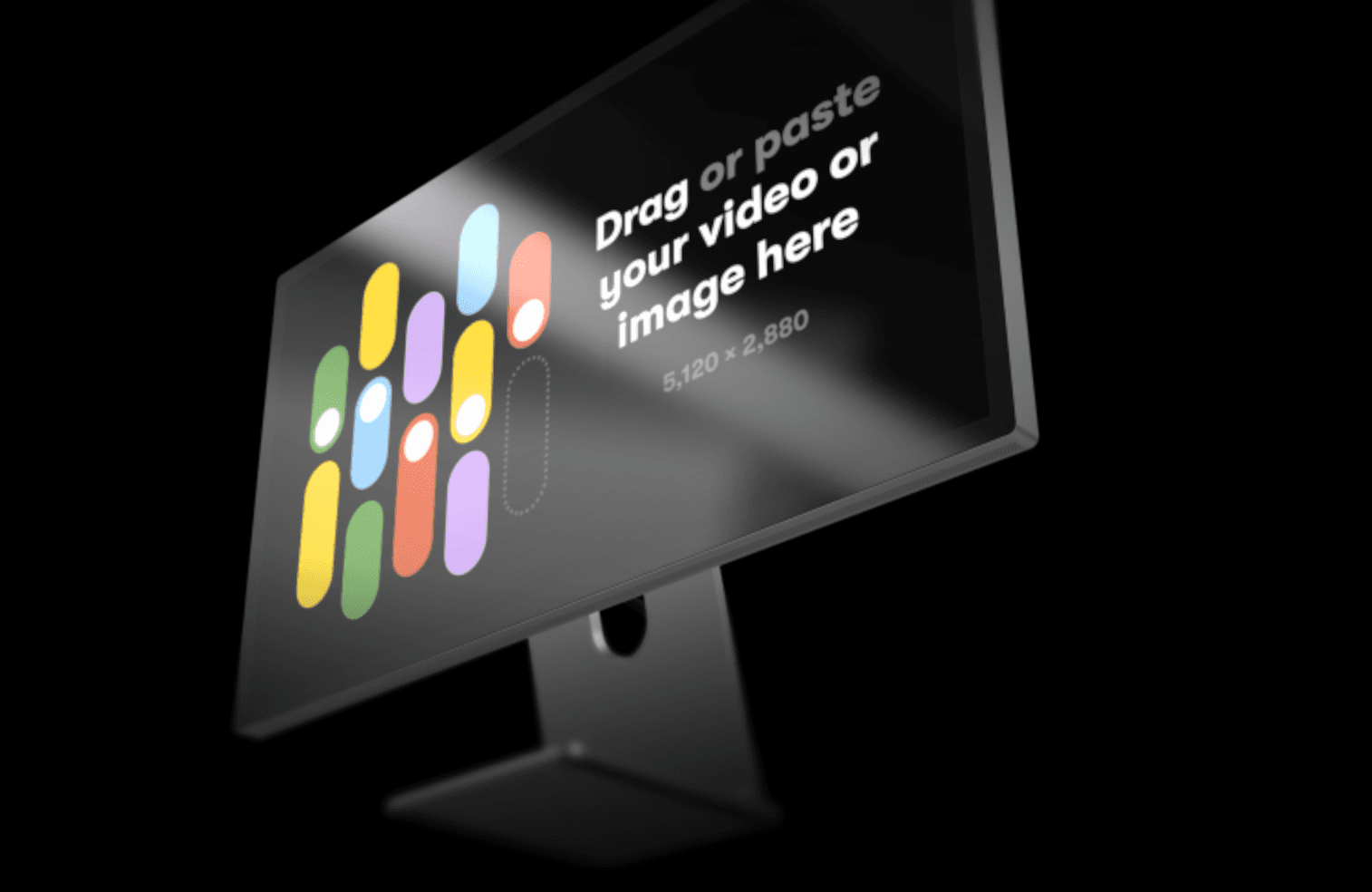
Studio Display
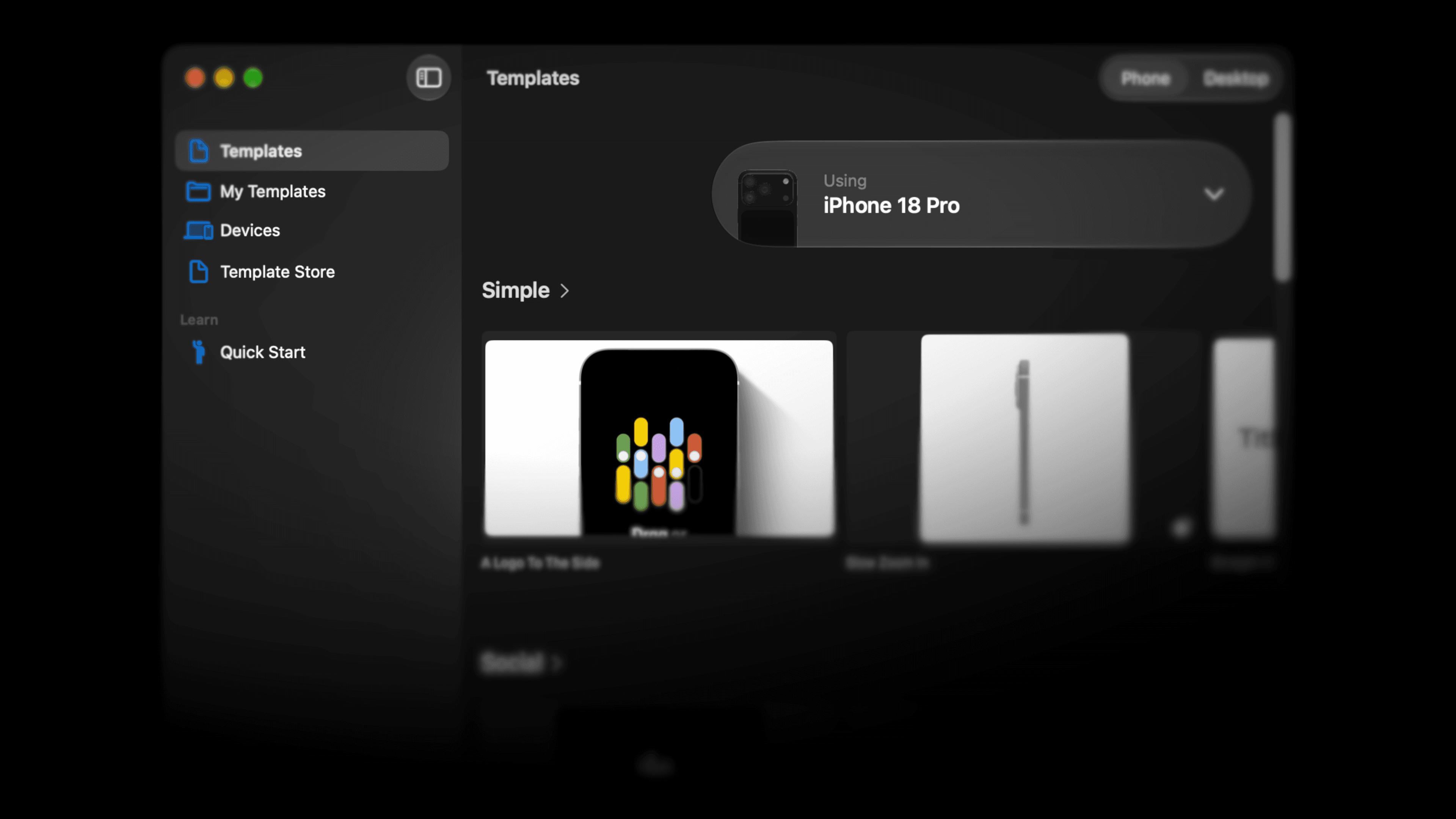
Templates with any device
You can now use the in-app templates with any device, defaulting to the latest. You can also find new templates with 2D labels and logos on the scene.
Device poses
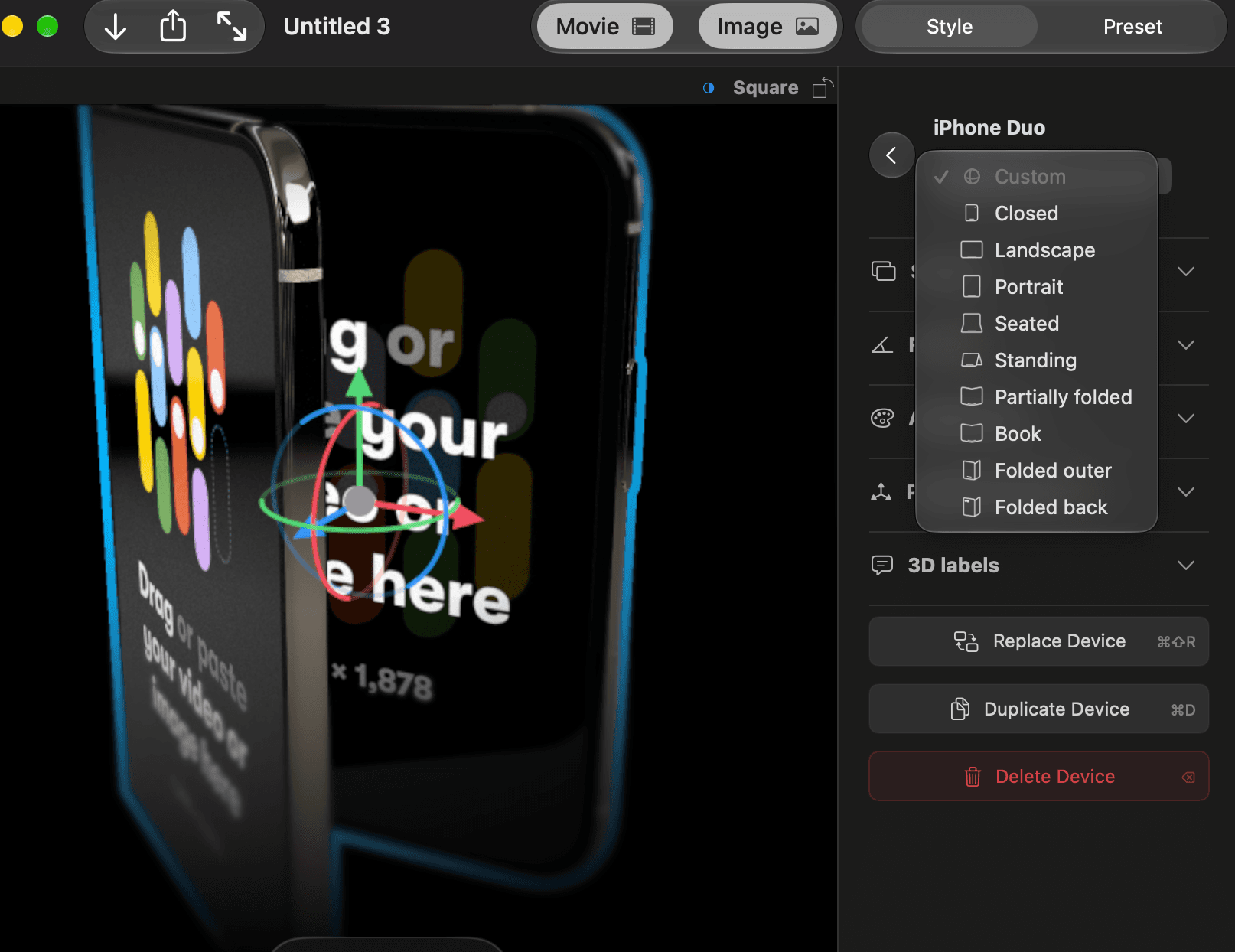
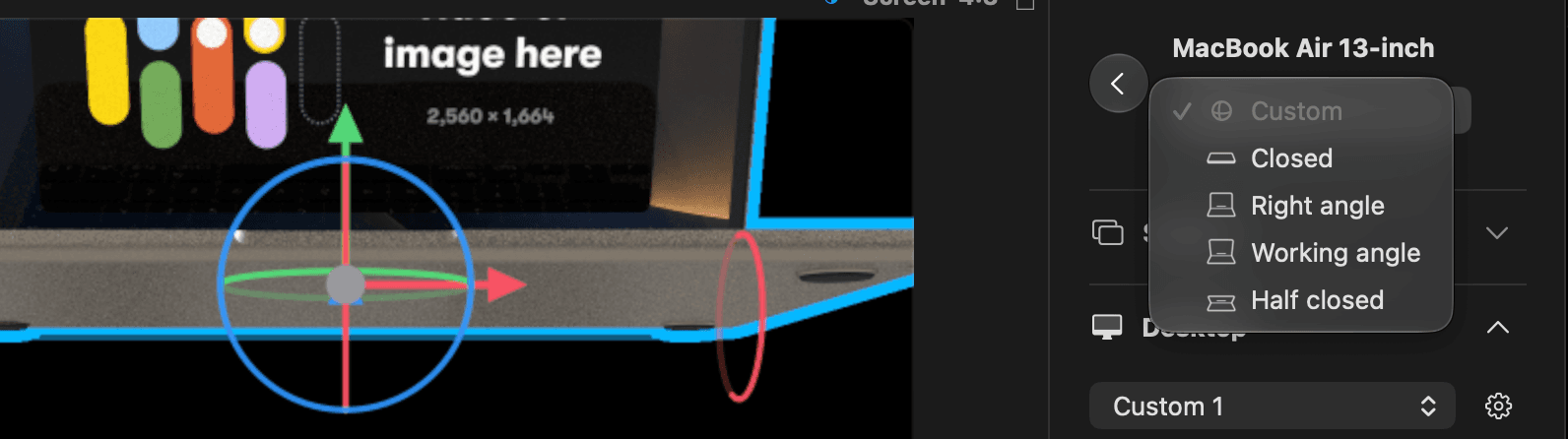
You can now choose and animate device poses for iPhone Duo and laptops, including folding poses for iPhone Duo.
Hold Option to duplicate
Device-specific 3D labels
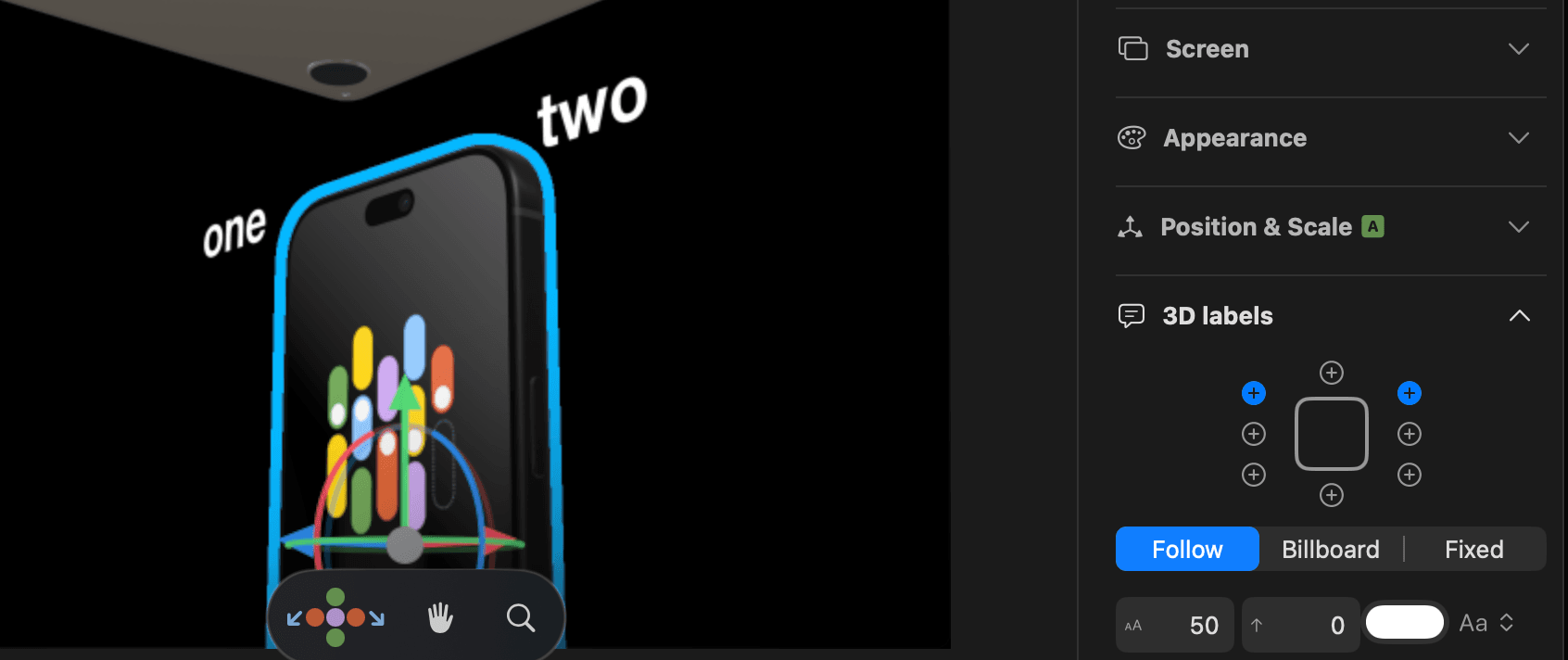
You can now add 3D labels that belong to a device and stay with it when you replace the device.
You can also click on a label to edit it directly.