Add a 2D title
Place text on the canvas and choose when it appears.
 By Morten Just
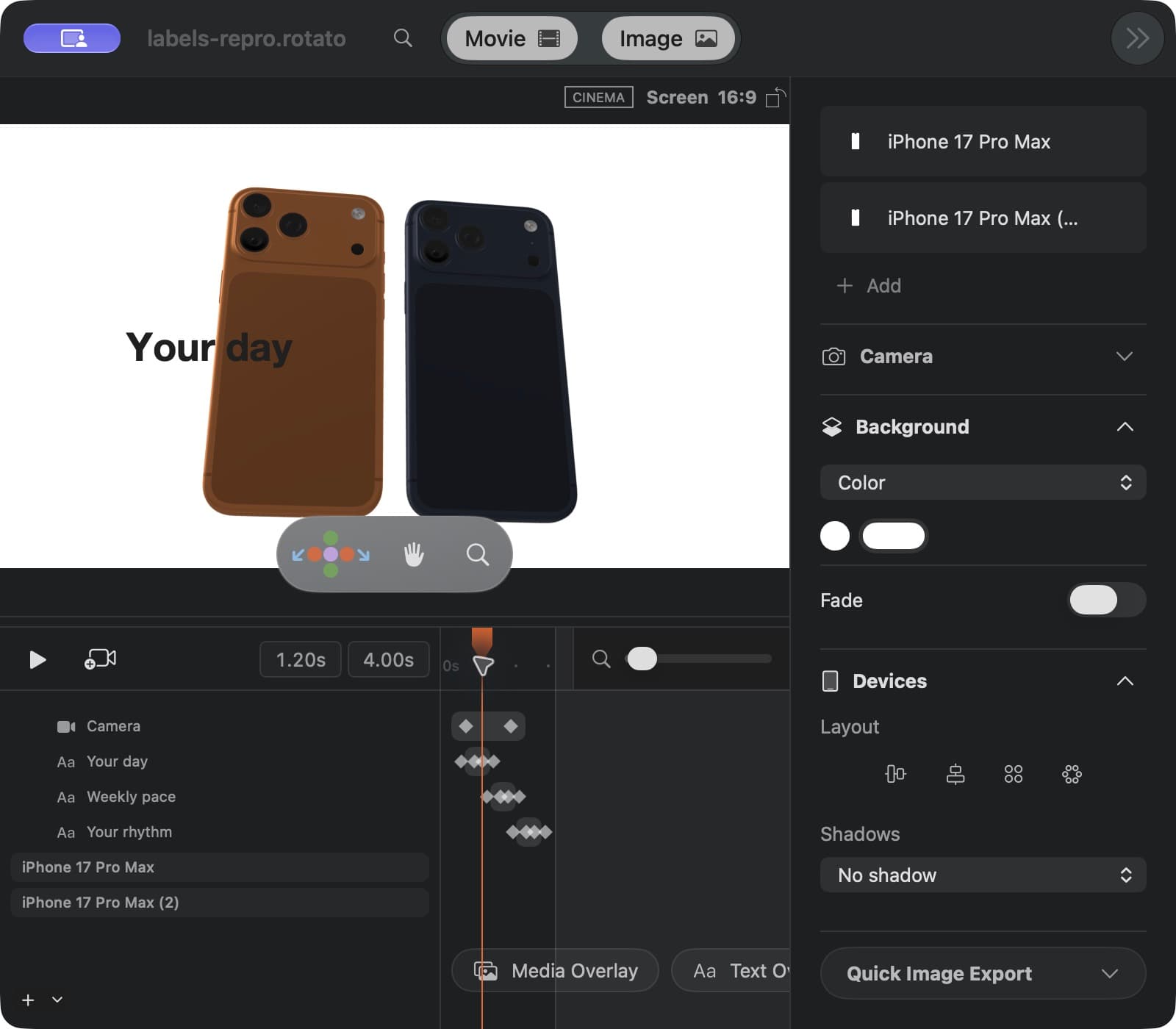
A 2D title stays pinned to the canvas while the camera and devices move underneath it.
Add the title
- Move the playhead to where the title should begin.
- Click Text Overlay beneath the timeline.
- Type the headline in the inspector's Text field.
- Use Position, Fill, and Typography to place and style it.
Choose its timing
Set Dur in the inspector to choose how long the title stays visible. You can also move its timeline block to change its start time and drag the block's ends to adjust its duration. The title disappears outside the block.
While playback is stopped, a title fading in stays visible at a minimum of 10% opacity so you can find it on the canvas. Press Play or drag the playhead to see the exact opacity that will appear in your export. Fade-outs keep their chosen opacity.
Selecting a title does not show it outside its timeline block. Titles with overlapping blocks can appear together.
Give it motion
Choose an Animation preset such as Blur In, then set how Rotato splits the text and how it exits. Keep enough still time for the title to be read. Press Space to preview the result.
For a label that follows a device through 3D space, use 3D labels.