Move reflections without moving the camera
Keep a bright reflection away from the part of the screen you want to show.
 By Morten Just
A bright reflection can cover part of your screen. Rotate the reflection to move it while keeping your camera and device in place.
Adjust the angle
- Open Environment in the sidebar.
- Choose an environment image.
- Drag the Rotation label, or click the number to enter an angle.
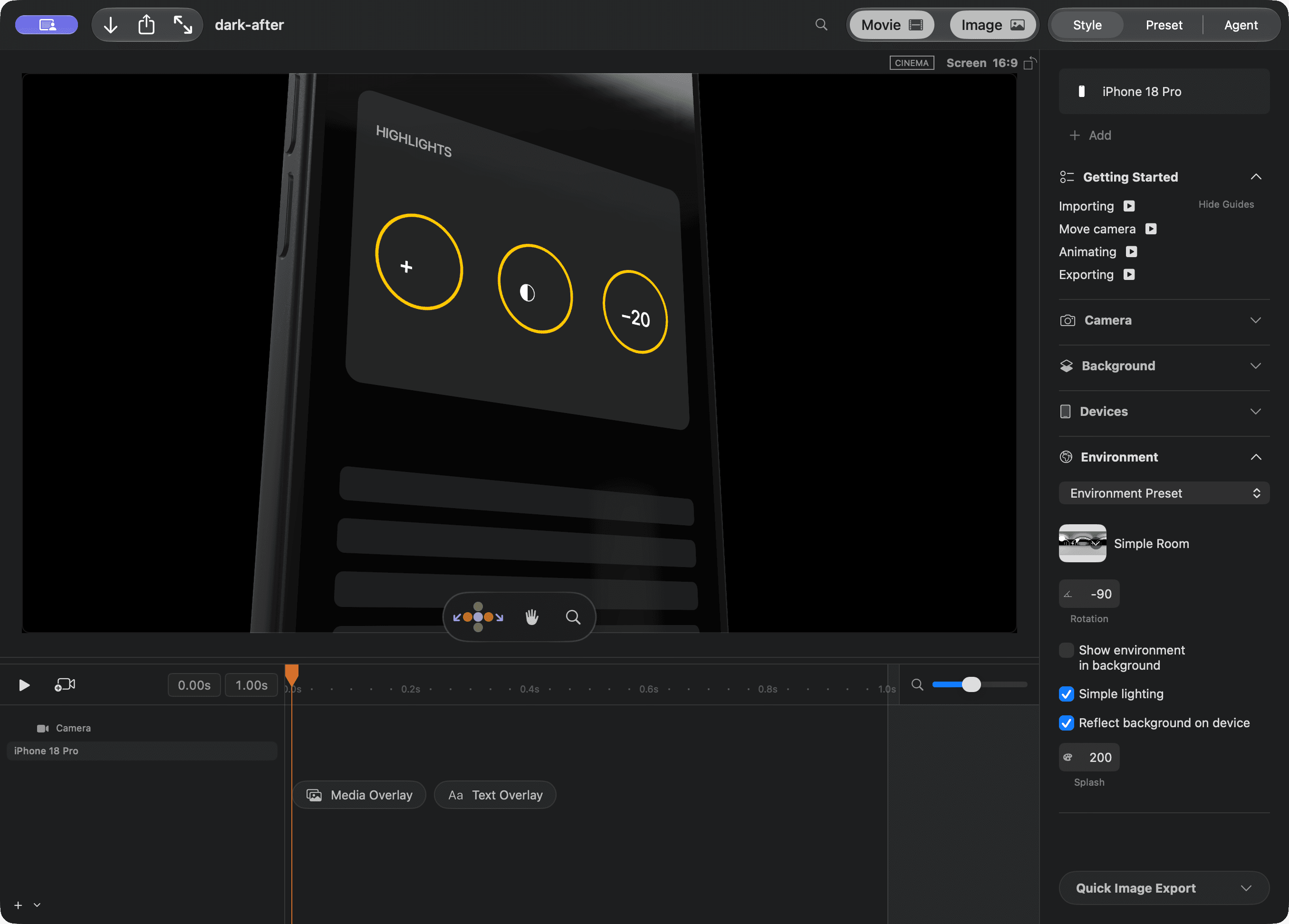
The screen artwork and background stay in place. Rotation changes reflections on glass and metal. The scene's overall lighting stays the same.
Enter 0 to return to the original reflection angle. If the environment is Transparent, choose an environment image first.
Try a random angle
- Press Command-K.
- Type random environment.
- Choose Randomize environment rotation.
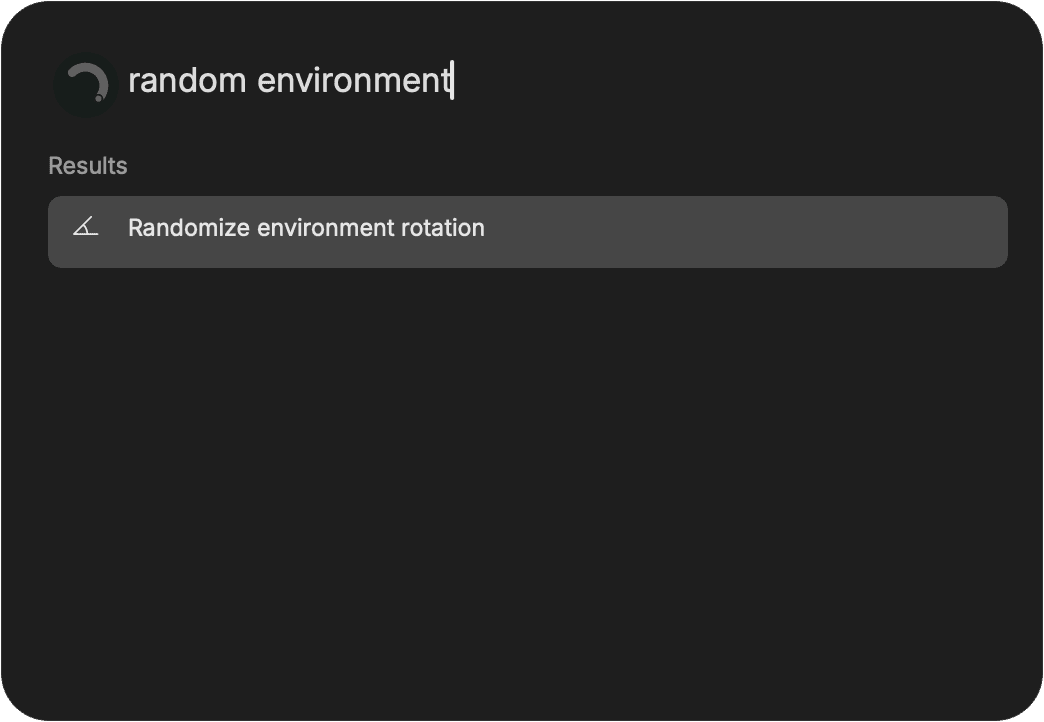
Run the command again to try another angle. You can also use Repeat last action in the command palette.
Press Command-Z to undo an angle change. The angle stays with the project when you save and reopen it.